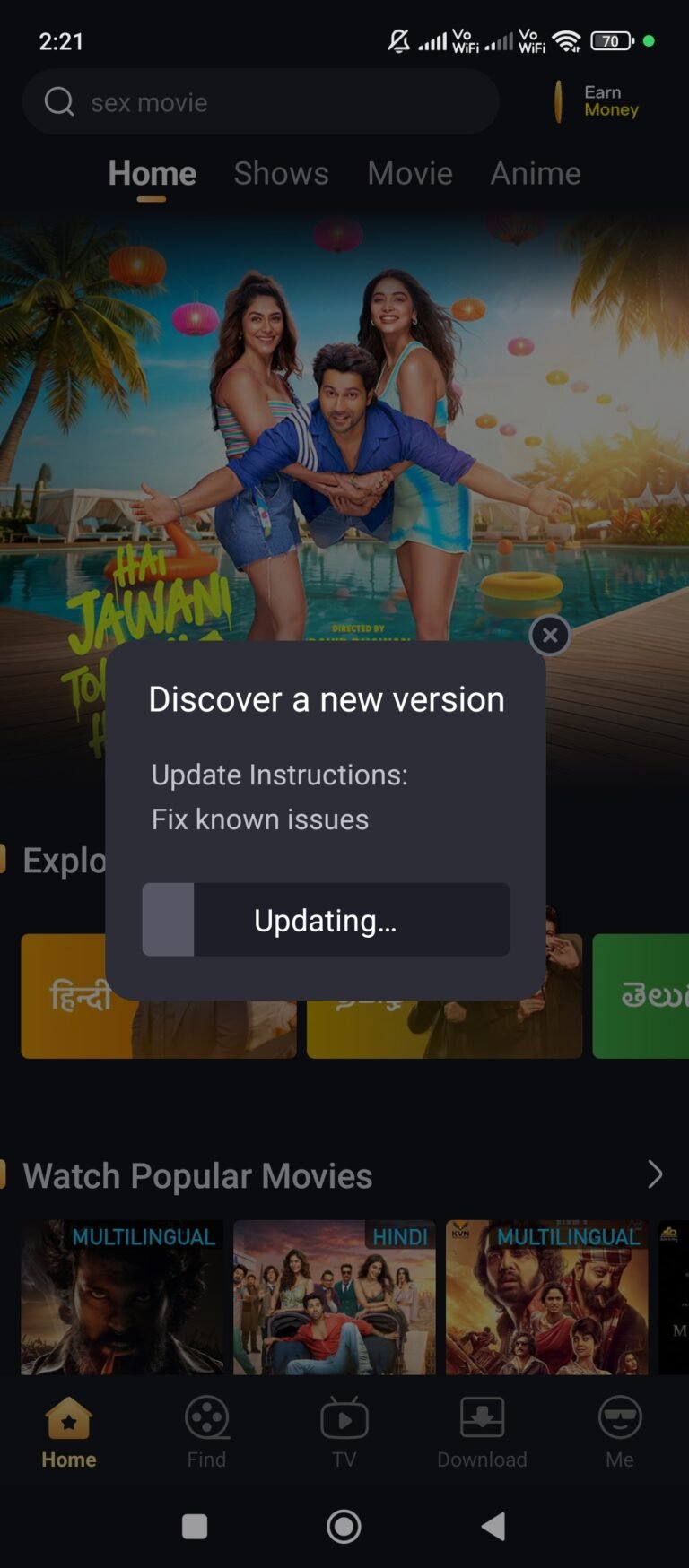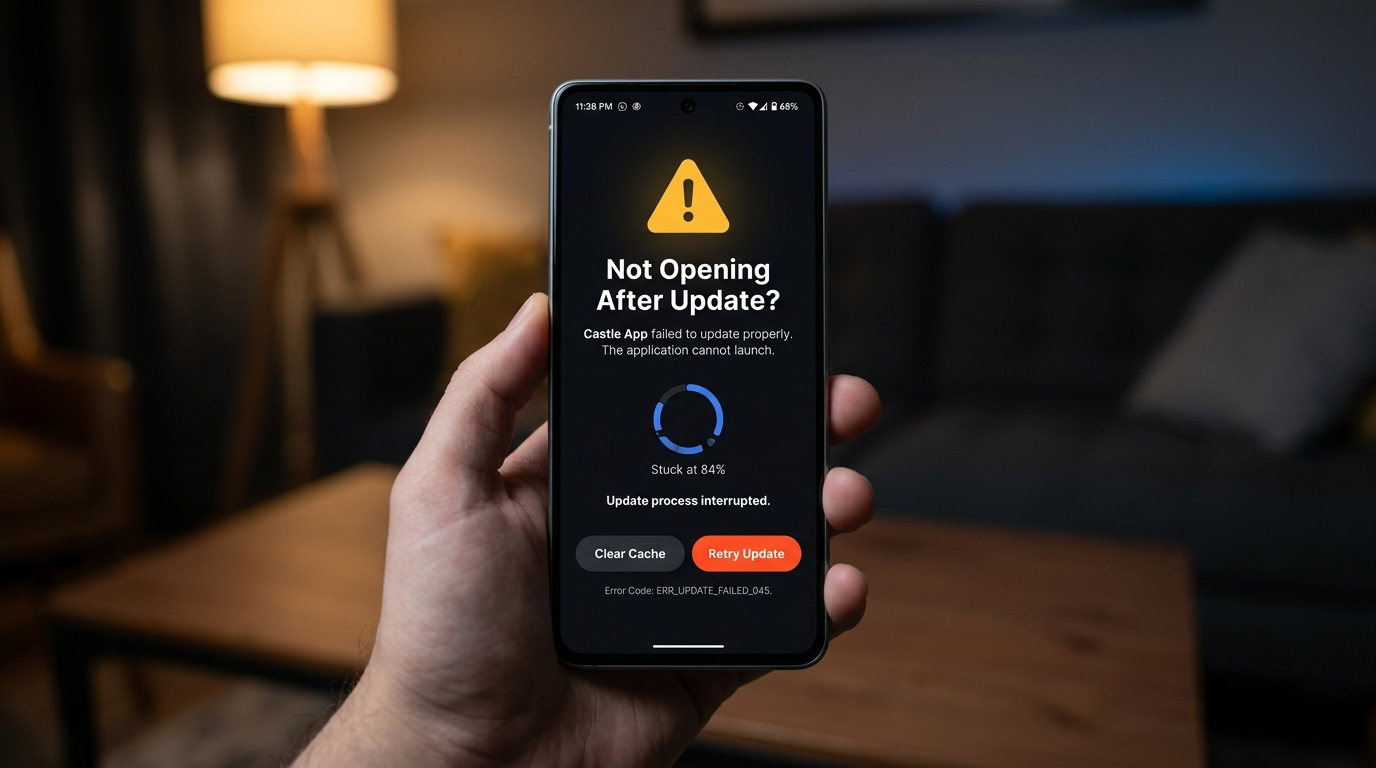
You updated Castle APK expecting better performance, but now Castle App Not Opening After Update. It either crashes immediately after tapping the icon, shows a black screen that never loads, or closes automatically within a few seconds of launching.
This is one of the most frequently reported Castle APK problems — and it almost always happens for one of the same predictable reasons. This guide explains exactly why Castle App stops opening after an update, which fix applies to your specific symptom, and how to prevent the problem from recurring after future updates.
Before starting, check which symptom matches your situation — the fix sections are organized by symptom type to save you time. If your issue is buffering rather than not opening at all, read our Castle APK buffering fix guide instead.
Quick Overview
| Symptom | Most Likely Cause | Fix |
|---|---|---|
| App crashes immediately on tap | Cache conflict with old version | Fix 1 |
| Black screen — nothing loads | Corrupted installation or cache | Fix 1, then Fix 3 |
| App opens then closes automatically | Incomplete update installation | Fix 2, then Fix 3 |
| Loading spinner — never finishes | Server issue or network problem | Fix 5 or Fix 6 |
| “App not installed” error | Storage full or corrupted APK | Fix 4 |
| Works sometimes, fails other times | Compatibility or RAM issue | Fix 4 or Fix 5 |
Why Castle App Not Opening After Update
Understanding the cause helps you select the right fix immediately instead of trying everything in random order.
Cache conflict — the most common cause by far
Every time Castle APK runs, it creates temporary files called cache. These files store login states, content thumbnails, player settings, and session data to make the app load faster on subsequent launches. When you update to a new version, the app’s internal structure changes — but the old cache files remain.
The new version of Castle APK then tries to start using these old files, encounters data it does not recognize from the previous version’s format, and crashes. This is why clearing cache after every update is the single most effective preventive measure.
Incomplete update installation
If your internet connection dropped during the APK download, your device ran out of storage mid-installation, or you closed the installer screen before it finished, the resulting installation is incomplete. An incomplete install leaves the app in a mixed state — some files from the old version, some from the new — which causes it to crash immediately on launch.
Old app data conflicting with new version structure
Different from cache, app data includes account information, saved settings, watchlist data, and download records. When a Castle APK update significantly changes how this data is stored internally, the old data structure becomes incompatible with the new app version, preventing it from initializing correctly.
Device compatibility and resource issues
Castle APK 2.1.1 introduced interface improvements that require slightly more RAM to render correctly. On devices with 1GB RAM or less, or on Android 5.1 and below, the new version may not open because the device cannot allocate enough memory to load the updated app components.
Server-side issues at update launch time
When a new version releases, a large number of users update simultaneously. Castle APK servers sometimes experience high load in the hours immediately following a release, causing the app to appear broken when it actually cannot connect to authenticate or load initial content.
Step-by-Step Fix Guide
Fix 1 — Clear Cache and App Data (Solves 70% of Cases)
Clearing cache is the first fix to try in almost every situation. It resolves the majority of post-update opening failures because it directly addresses the most common cause — old cached files conflicting with the new version.
This fix does not delete your account or saved content. Clearing cache removes only temporary files. Clearing data resets the app to a fresh state — you will need to log in again, but your account remains intact on Castle APK servers.
Steps for Android phones and tablets:
- Open Settings on your device
- Tap Apps (or Application Manager on older Android versions)
- Scroll through the list and tap Castle APK or Castle App
- Tap Storage
- Tap Clear Cache — wait 5 seconds
- Tap Clear Data — confirm in the popup that appears
- Press the Home button and then restart your device completely
- After the device restarts fully, open Castle APK and log in again
Steps for Firestick and Fire TV:
- From the Firestick home screen, go to Settings
- Select Applications → Manage Installed Applications
- Find and select Castle APK
- Tap Clear Cache → wait 5 seconds
- Tap Clear Data → confirm
- Hold the remote’s power button and select Restart to reboot your Firestick
- After restart, open Castle APK
Steps for Android Smart TV:
- Go to Settings → Apps → See All Apps
- Select Castle APK
- Choose Clear Cache, then Clear Data
- Restart your TV using the remote’s power button (full restart, not standby)
Expected result: Castle APK opens normally, shows the login screen, and loads content after you sign in. If the app still fails to open after this fix, proceed to Fix 2.
Fix 2 — Force Stop the App Then Reopen
Sometimes Castle APK appears to have closed but is actually still running in the background in a crashed or frozen state. Attempting to open it again simply brings up this frozen instance rather than launching fresh. Force stopping clears this stuck process.
Steps:
- Do not tap the Castle APK icon yet
- Open Settings → Apps → Castle APK
- Tap Force Stop at the top of the app info screen
- Confirm by tapping OK in the dialog that appears
- Wait 10 seconds
- Now tap the Castle APK icon from your home screen or app drawer to launch it fresh
Firestick version:
- Go to Settings → Applications → Manage Installed Applications → Castle APK
- Tap Force Stop
- Wait 10 seconds, then relaunch the app
Force stopping is most effective when the app opens briefly then closes immediately, or when the icon appears to launch but nothing actually appears on screen.
Fix 3 — Reinstall Castle APK With a Fresh Download
If clearing cache and force stopping did not work, the update installation itself was corrupted. A clean reinstall removes all broken files and replaces them with a verified, complete version of Castle APK 2.1.1.
Why you need a fresh download — not the same file:
If the original downloaded APK was corrupted or incomplete, reinstalling from the same file will reproduce the same problem. You need to download the APK file again from scratch.
Steps:
- Go to Settings → Apps → Castle APK → Uninstall
- Confirm the uninstallation and wait for it to complete
- Restart your device — this is important; do not skip this step
- After the device restarts, open your browser and visit our Castle APK 2.1.1 download guide for a verified download link
- Download the APK file — verify the size is approximately 57.3 MB when the download completes
- Open your File Manager → Downloads → tap the Castle APK file
- If prompted about Unknown Sources, go to Settings → Security → Unknown Sources → ON
- Tap Install and wait for the installation to complete
- Tap Open to launch Castle APK and log in
For Firestick reinstallation:
- Settings → Applications → Manage Installed Applications → Castle APK → Uninstall
- Restart your Firestick (hold power button → Restart)
- Open the Downloader app and enter the Castle APK 2.1.1 download URL from our Firestick installation guide
- Install the freshly downloaded file
- Open Castle APK
For a complete Firestick reinstallation guide with screenshots, see our Castle APK Firestick not working guide.
Fix 4 — Free Up Storage Space and Check Android Version
Two device-level issues that prevent Castle APK from opening after an update are insufficient storage and an Android version that is too old to support the new app version.
Storage check and cleanup:
Castle APK needs a minimum of 500MB of free storage to install and launch correctly. Less than this causes unpredictable behavior including opening failures.
- Go to Settings → Storage on your Android device
- Check the Available space figure
- If it is below 1GB, free space by:
- Deleting photos and videos you no longer need, or backing them up to Google Photos
- Uninstalling apps you rarely use — go to Apps, sort by size, and remove the largest unused ones
- Clearing cache for other large apps like YouTube, Instagram, and Facebook
- Moving media files to an SD card if your device supports it
Android version check:
Castle APK 2.1.1 requires Android 5.0 or higher. Version 2.1.1’s interface updates also perform best on Android 8.0 and above.
- Go to Settings → About Phone → Android Version
- If your device runs Android 4.x or lower, install Castle APK 2.0.9 instead of 2.1.1
- If your device runs Android 5.0 to 6.0, the app should work but performance will be limited — ensure at least 1GB RAM is available before launching
For devices that cannot support version 2.1.1, our Castle APK old versions guide provides stable alternatives that are compatible with older hardware.
Fix 5 — Update Your Android System
Running an outdated Android version alongside a new Castle APK version can cause the app to fail on opening due to missing system libraries or security APIs that the new version depends on.
How to check for Android system updates:
- Go to Settings → About Phone (or About Device)
- Tap Software Update or System Update
- Tap Check for Updates
- If an update is available, download and install it
- After your device restarts with the new Android version, test Castle APK again
Important note: System updates are separate from Castle APK updates. Updating Android does not affect your installed Castle APK version or your account data.
If your device is older and no longer receives Android updates from the manufacturer, this fix will not apply to you. In that case, use Fix 4 to install a compatible older version of Castle APK instead.
Fix 6 — Wait for Server-Side Resolution
If none of the above fixes resolve the issue and Castle APK was working perfectly before the update, the problem may be on Castle APK’s server side rather than your device.
Signs that the issue is server-side:
- The app installs correctly and appears to open, but the loading screen never progresses
- Clearing cache and reinstalling both fail to change the behavior
- The problem appeared exactly when a new version was released
- Other users in Castle APK communities on Reddit, Quora, or Facebook groups report the same issue at the same time
What to do:
- Wait 30 to 60 minutes from when you first noticed the issue before attempting further fixes
- Check Castle APK-related communities to confirm if others are experiencing the same problem
- Try switching from Wi-Fi to mobile data or vice versa — sometimes routing to Castle APK servers differs between network types
- Try again after the peak update traffic period — typically 2 to 4 hours after a major release
Server issues after a new release typically resolve on their own as infrastructure scales up to handle the increased load.
How to Prevent Castle App Not Opening After Future Updates
Following this routine before and after every Castle APK update prevents the majority of post-update opening failures:
Before every update:
- Confirm at least 1GB of free storage is available
- Connect to a stable Wi-Fi network — avoid updating over mobile data or a weak signal
- Note your current working version number in case a rollback is needed
During the update:
- Do not interrupt the download or installation process
- Keep the screen active during installation — do not let the device sleep
- Verify the downloaded file size matches the expected size before installing
Immediately after every update:
- Go to Settings → Apps → Castle APK → Storage → Clear Cache
- Restart your device before opening the newly updated app
- Launch Castle APK for the first time on a stable internet connection
This routine adds approximately 5 minutes to the update process and virtually eliminates post-update opening failures.
Frequently Asked Questions
Why does Castle App only stop opening after updates and not at other times? Updates change the app’s internal file structure while old cache data from the previous version remains on your device. When the new version loads, it encounters cached files it does not recognize from the old structure, causing a crash. This is why the problem appears specifically after updates rather than during normal use. Clearing cache after every update prevents it entirely.
Will clearing app data delete my Castle APK account? No. Your account is stored on Castle APK servers, not on your device. Clearing app data removes locally stored preferences, login tokens, and cached content — but your account credentials and history remain on the server. You will simply need to log in again after clearing data.
I reinstalled Castle APK but it still won’t open — what now? If reinstalling from a fresh download fails, check two things: first, confirm the APK file size is approximately 57.3 MB for version 2.1.1 — a different size means the download was corrupted. Second, verify your device has enough free storage (minimum 1GB) and runs Android 5.0 or higher. If both are confirmed and the app still fails, try installing version 2.0.9 from our old versions guide to determine if the issue is specific to 2.1.1 on your device.
Castle App opens but closes after 2-3 seconds — is this the same issue? Yes. Immediate auto-closing after launch is a variation of the “not opening” problem and has the same causes. Start with Fix 1 (clear cache and data) — this resolves auto-closing in the majority of cases. If it continues, proceed to Fix 3 (complete reinstall).
Is it safe to reinstall Castle APK without losing data? Uninstalling removes the app and its locally cached files, but your Castle APK account data stored on the server remains intact. After reinstalling and logging back in, your account history and settings will be restored. Any videos downloaded for offline viewing will be removed when you uninstall, as these are stored locally on your device.
Why does the Castle App black screen appear after update on Firestick but not on Android? Firestick has more limited RAM than most Android phones (typically 1GB vs 2-4GB), which makes it more susceptible to cache conflicts after updates. The black screen on Firestick is almost always resolved by clearing cache and data through Settings → Applications → Manage Installed Applications → Castle APK → Clear Cache → Clear Data, followed by a full Firestick restart.
🧾 Final Thoughts
Castle App not opening after an update is almost always caused by a cache conflict, an incomplete installation, or insufficient device storage — all of which are fixable in under 10 minutes using the steps in this guide.
Start with Fix 1 (clearing cache) in every case. This resolves the majority of post-update opening failures without requiring a full reinstall. If clearing cache does not work, Fix 3 (fresh reinstall from a new download) solves the remaining cases.
For related issues, see our Castle APK latest version not working guide and the complete Castle APK troubleshooting collection.
About the Author
Zara M — Android App Compatibility Researcher
Zara specializes in diagnosing Android application compatibility issues, post-update failure patterns, and device-specific troubleshooting for third-party streaming apps. She tests fixes across multiple Android versions and device generations to ensure solutions work in real-world conditions rather than just ideal setups.
For more guides, visit castleapkguide.com
How to check your speed:
- Open your browser on the same device where Castle APK is installed
- Go to fast.com or speedtest.net
- Run a speed test and note your download speed
- If your speed is below 5 Mbps, buffering is the direct result