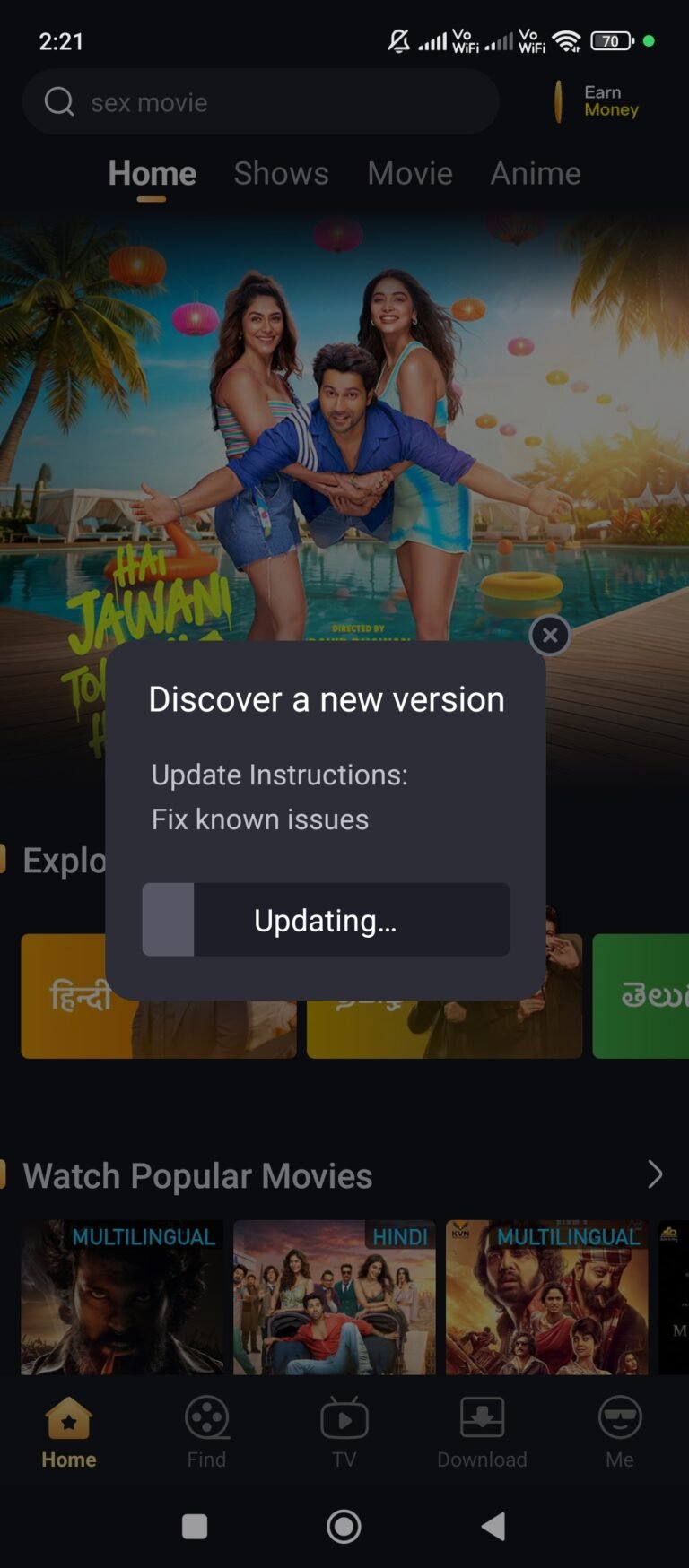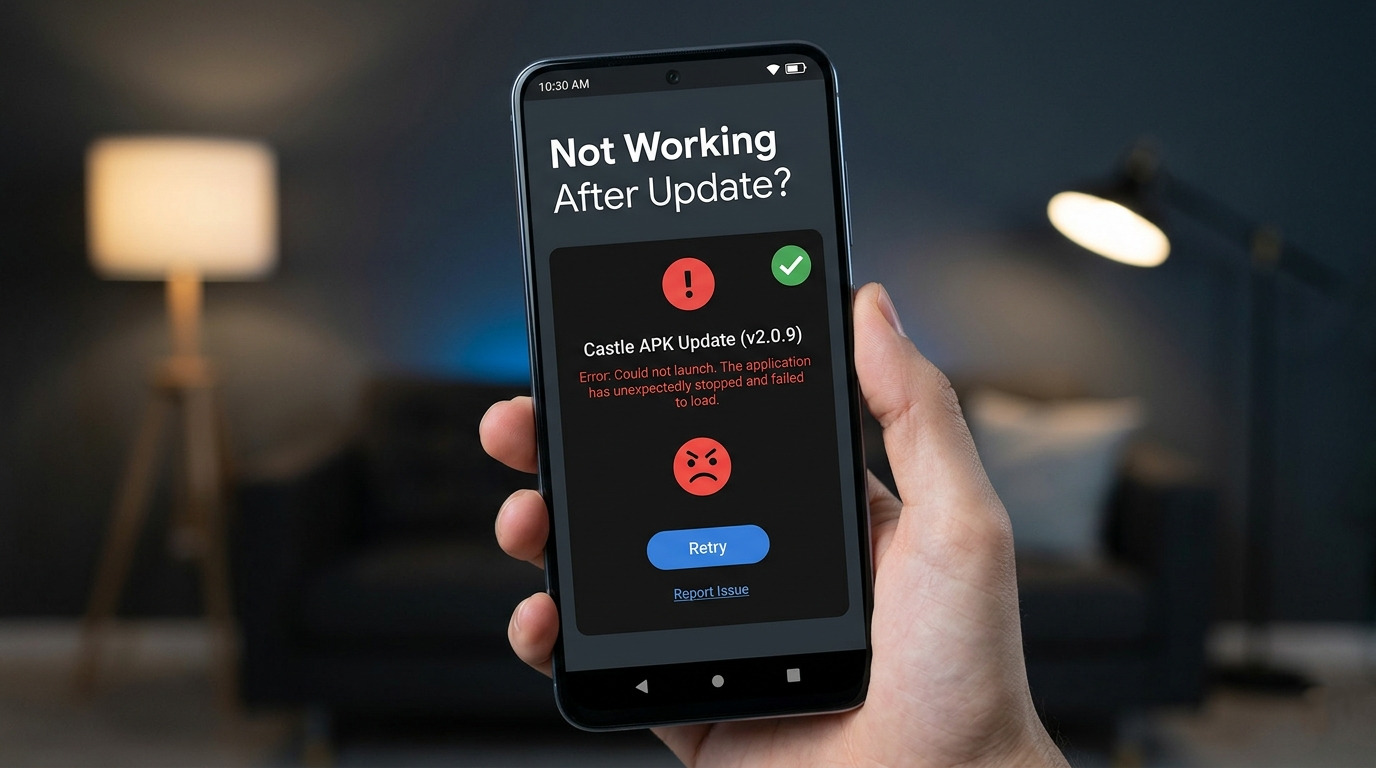
After installing a Castle APK update, some users find that the app crashes immediately, shows a black screen, freezes on loading, or stops working entirely. This problem is frustrating — especially when you just updated expecting better performance and got the opposite.
The good news is that almost all post-update issues in Castle APK are fixable without any technical knowledge. In this guide, we cover 8 proven fixes with exact steps for each one, the specific causes behind each problem, and how to prevent them from happening again after future updates.
If your issue started before an update rather than after, check our Castle APK general troubleshooting guide instead.
Quick Overview
| Detail | Information |
|---|---|
| Problem | Castle APK not working after update |
| Affected versions | 2.0.9, 2.1.0, 2.1.1 |
| Common symptoms | Crash, black screen, freeze, loading stuck |
| Estimated fix time | 5 to 15 minutes |
| Difficulty | Easy — no technical skills needed |
| Devices affected | Android, Firestick, Smart TV |
Why Castle APK Stops Working After an Update
Before applying fixes, understanding what causes post-update failures helps you pick the right solution immediately — instead of trying every fix randomly.
Cache conflict with old version files is the most common cause. When Castle APK updates, old cached data from the previous version remains on your device. The new version tries to load with these old files, causing conflicts that result in crashes or freezing. Clearing the cache after any major update resolves this in most cases.
Corrupted update installation happens when the download is interrupted, the device runs out of storage mid-installation, or the APK file itself is incomplete. A corrupted install leaves the app in a broken state that cannot be fixed without reinstalling.
Device compatibility issues occur when a new version of Castle APK adds features or optimizations that require a newer Android version or more RAM than your device has. Version 2.1.1, for example, includes UI changes that may not render correctly on Android 6 or devices with less than 1GB RAM.
Insufficient device storage prevents the app from creating the temporary files it needs during startup. Castle APK requires at least 500MB of free storage to run reliably — less than that causes unpredictable behavior after updates.
Server-side issues sometimes cause the app to appear broken right after a major update release, because Castle APK servers experience high load from thousands of users updating simultaneously. In these cases, the app itself is fine but cannot connect to load content.
Remaining files from old version sometimes survive the update process, especially if you installed Castle APK 2.1.1 over 2.1.0 without clearing data first. These leftover files conflict with the new installation.
How to Diagnose Which Fix You Need
Rather than trying all 8 fixes in random order, use these symptoms to identify the right solution first:
App worked briefly then stopped → Fix 5 (Storage) or Fix 6 (Compatible version)
App opens then immediately closes → Fix 2 (Clear Cache) or Fix 4 (Reinstall)
Black screen after opening → Fix 2 (Clear Cache) then Fix 4 (Reinstall)
Stuck on loading screen → Fix 3 (Internet) or Fix 8 (Server Status)
App crashes only on certain content → Fix 3 (Internet) or Fix 8 (Server Status)
Installation itself failed → Fix 4 (Reinstall) or Fix 5 (Storage)
Features missing after update → Fix 7 (Permissions)
Real Working Fixes (Step-by-Step)
Fix 1 — Restart Your Device First
A device restart clears temporary system memory and resolves minor conflicts that accumulate during app installations. This is always the first step because it takes under a minute and solves a surprising number of post-update issues.
Steps:
- Press and hold your device’s power button
- Select Restart or Reboot from the menu
- Wait for the device to fully start up — do not open Castle APK immediately
- After the device has fully loaded (30 seconds after boot), open Castle APK
If the app works normally after a restart, no further fixes are needed. If the problem persists, continue to Fix 2.
Why this works: App installations sometimes leave pending processes that interfere with the newly updated app. A full restart clears these processes and gives the updated Castle APK a clean environment to run in.
Fix 2 — Clear Cache and App Data
Clearing cache is the single most effective fix for Castle APK problems after an update. Old cached files from version 2.0.9 or 2.1.0 conflict with version 2.1.1 and cause crashes, freezing, or loading failures.
Clearing cache does not delete your login credentials or account — it only removes temporary files the app created during previous sessions.
Steps for Android:
- Open Settings on your device
- Go to Apps or Application Manager (varies by Android version)
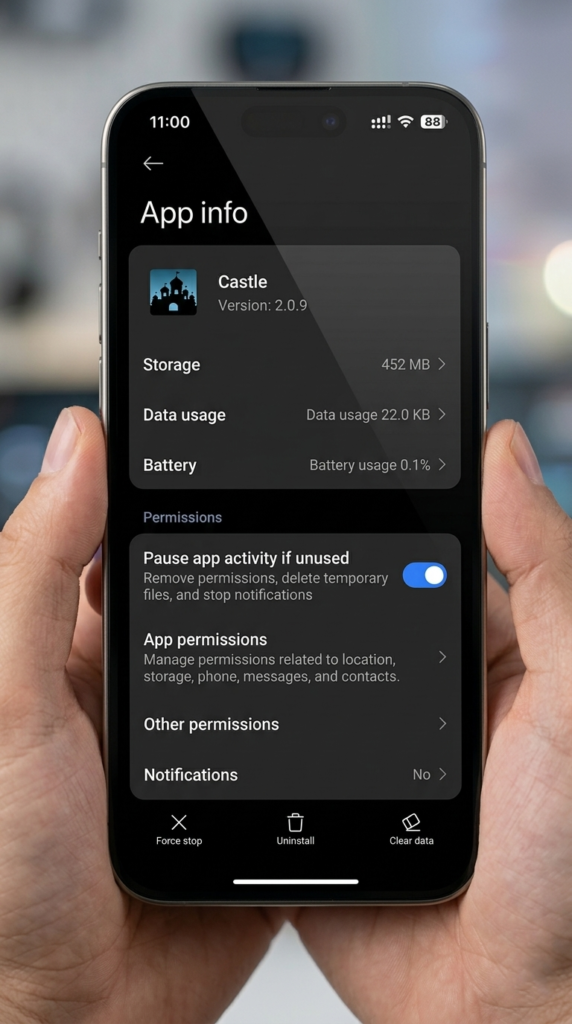
- Scroll down and tap Castle APK
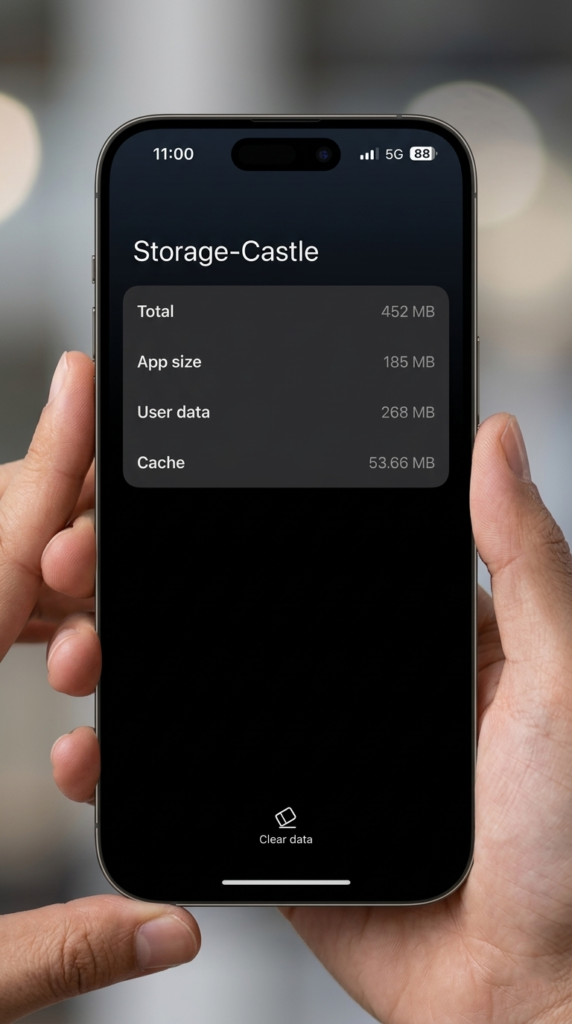
- Tap Storage
- Tap Clear Cache — wait 3 seconds
- Tap Clear Data — confirm when prompted
- Restart your device
- Open Castle APK and log in again
Steps for Firestick:
- Go to Settings → Applications → Manage Installed Applications
- Select Castle APK
- Tap Clear Cache
- Tap Clear Data and confirm
- Restart your Firestick
- Reopen Castle APK
Expected result: The app launches with a fresh start, loading as if freshly installed. Login again with your credentials.
Fix 3 — Verify Your Internet Connection
Post-update versions of Castle APK sometimes require a stable internet connection on first launch to verify the installation and load updated server content. If your connection is weak or unstable at the exact moment the app tries to connect, it may appear frozen or broken.
Steps to verify and fix connection:
- Open your browser and visit any website — if it does not load, your internet is the issue
- Switch from Wi-Fi to mobile data (or vice versa) and test Castle APK
- Restart your router: unplug it, wait 30 seconds, plug it back in
- Move closer to your Wi-Fi router if signal is weak
- Check if other apps that require internet also have problems — if yes, the issue is network-wide
Minimum connection requirements for Castle APK 2.1.1:
- 3 Mbps for standard streaming
- 5 Mbps for HD content
- 10 Mbps for Full HD
Test your speed at fast.com to confirm you meet these thresholds.
Fix 4 — Reinstall Castle APK Completely
If Fix 2 (clearing cache) did not solve the problem, the update installation itself was corrupted. A complete reinstall removes all broken files and installs a verified working copy of Castle APK.
Steps:
- Go to Settings → Apps → Castle APK
- Tap Uninstall and confirm
- Restart your device after uninstalling
- Download Castle APK 2.1.1 fresh from our verified download guide — do not use the same file you previously installed
- Verify the file size is approximately 57.3 MB — files much smaller or larger may be corrupted or modified
- Install the fresh APK file
- Open Castle APK and log in
Important: Always download a fresh copy rather than reusing the previously downloaded file. If the original download was interrupted or incomplete, reinstalling from the same file will reproduce the same problem.
For safety verification before installing, scan the downloaded file at VirusTotal.com — upload the APK and check results from 70+ antivirus engines.
Fix 5 — Free Up Device Storage
Castle APK 2.1.1 requires adequate free storage to create temporary files during startup and to buffer streaming content. When storage falls below approximately 500MB, the app behaves unpredictably — freezing, crashing, or failing to load after an update.
How to check storage:
- Go to Settings → Storage on Android
- Check Available space — you need at least 1GB free for reliable performance
How to free up storage:
- Delete photos and videos you no longer need — or back them up to Google Photos
- Uninstall apps you rarely use — go to Settings → Apps and sort by size
- Clear cache for other large apps: YouTube, Facebook, Instagram, and similar apps accumulate hundreds of megabytes of cache
- Move media files to an SD card if your device supports it
- Use the built-in storage cleaner if your phone has one (Settings → Storage → Clean)
After freeing at least 1GB of space, restart your device and test Castle APK again.
Fix 6 — Install a Compatible Version
If Castle APK 2.1.1 consistently fails on your specific device after trying all other fixes, the new version may not be fully optimized for your device’s hardware or Android version. Installing a stable older version resolves this.
How to identify if compatibility is the issue:
- The app worked perfectly on version 2.0.9 but fails on 2.1.0 or 2.1.1
- Your device runs Android 6 or below
- Your device has less than 2GB RAM
- The problem appeared immediately after a version upgrade
Steps:
- Uninstall the current version from Settings → Apps
- Visit our Castle APK old versions guide for stable previous releases
- Download version 2.0.9 if 2.1.1 is causing issues on your device
- Install the older version and test
Note: Older versions may eventually lose server support. Monitor our version update guide for when compatibility patches are released for your device type.
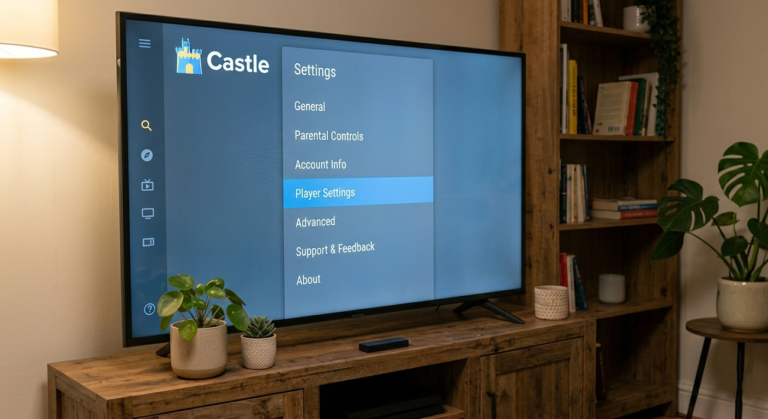
Fix 7 — Review and Enable App Permissions
Castle APK 2.1.1 may require permissions that were not needed in previous versions. If certain permissions were denied during installation, features that depend on them will not work — causing the app to appear broken even though the installation is fine.
How to check permissions:
- Go to Settings → Apps → Castle APK
- Tap Permissions
- Review each permission category
Permissions Castle APK legitimately uses:
- Storage — required for downloading content and reading media files
- Network/Internet — required for all streaming functions
- Wi-Fi State — used to detect network connection type
Permissions to be cautious about:
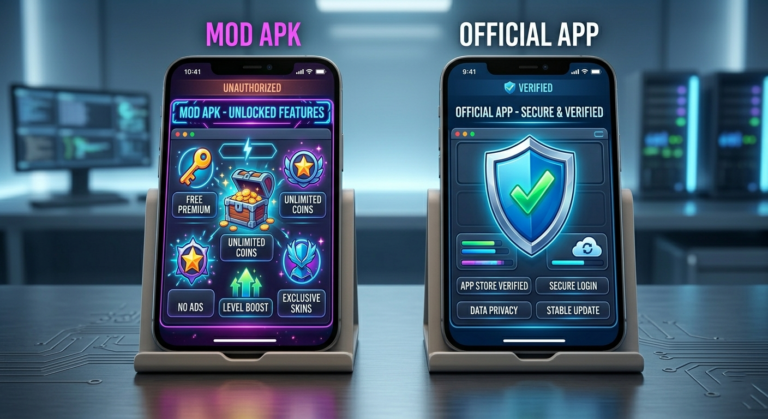
If Castle APK is requesting SMS, call logs, contacts, or microphone access, this may indicate you have a modified version installed. Legitimate Castle APK does not need these permissions. Read our Castle APK fake update warning guide to verify your installation.
Enable only the legitimate permissions listed above and deny anything that seems excessive.
Fix 8 — Check Castle APK Server Status
Immediately after major version releases, Castle APK servers experience extremely high traffic as thousands of users update simultaneously. This server overload can make the app appear completely broken when the actual issue is temporary server unavailability.
Signs that the issue is server-side:
- The app installs and opens correctly but shows a loading error or empty screen
- Restarting and reinstalling do not help
- The problem started exactly when the new version was released
- Other users on forums and social media report the same issue simultaneously
What to do:
- Wait 30 to 60 minutes before trying again — server load typically normalizes within an hour of a new release
- Check Castle APK-related communities on Reddit or Quora to see if others report the same issue
- Try switching between servers inside the player if you can access content partially
- Use a different network connection temporarily — sometimes specific ISPs have routing issues to Castle APK servers
If the problem resolves on its own without any changes on your end, it was a server-side issue.
Problem vs Fix Quick Reference
| Symptom | Primary Fix | Backup Fix |
|---|---|---|
| App crashes on open | Fix 2 — Clear Cache | Fix 4 — Reinstall |
| Black screen | Fix 2 — Clear Cache | Fix 4 — Reinstall |
| Stuck on loading | Fix 3 — Internet | Fix 8 — Server |
| Installation failed | Fix 5 — Storage | Fix 4 — Reinstall |
| Features not working | Fix 7 — Permissions | Fix 6 — Old version |
| App worked then stopped | Fix 2 — Cache | Fix 5 — Storage |
| Firestick specific issue | Fix 2 — Cache | Fix 4 — Reinstall |
Preventing Post-Update Issues in the Future
Following these steps before every Castle APK update prevents most post-update problems:
Before updating:
- Ensure at least 1GB of free storage on your device
- Connect to a stable Wi-Fi network — avoid updating on mobile data
- Note the current working version number in case you need to roll back
During the update:
- Do not close the download or installation screen mid-process
- Do not use the device heavily while the installation runs
- Confirm the downloaded file size matches the expected size for that version
After updating:
- Clear app cache immediately after installation — Settings → Apps → Castle APK → Clear Cache
- Restart your device before opening the updated app
- Test basic functions before switching to live streams
Following this routine eliminates the majority of post-update failures before they happen.
FAQs
Why does Castle APK stop working specifically after an update and not before? Updates change core app files while old cached data from the previous version remains on your device. The new app version attempts to load using these outdated cached files, causing conflicts that result in crashes or freezing. Clearing cache immediately after any update prevents this in most cases.
Will clearing app data delete my account or saved content? Clearing cache does not affect your account or login credentials. Clearing app data resets the app to a fresh state — you will need to log in again, but your account itself remains intact on Castle APK servers. Your downloaded offline content may be removed when you clear data.
How do I know if my downloaded Castle APK 2.1.1 file is genuine? Check the file size — Castle APK 2.1.1 should be approximately 57.3 MB. Files significantly smaller or larger are likely corrupted or modified. For confirmation, upload the file to VirusTotal.com and verify no antivirus engines detect suspicious activity. Read our complete APK safety guide for full verification steps.
My device shows “App not installed” during the update — what does that mean? This error usually means your device’s storage is too low, Unknown Sources is not enabled, or the APK file is corrupted. Check that you have at least 500MB free storage, enable Unknown Sources in Settings → Security, and download a fresh copy of the APK from a verified source.
Should I always update to the latest Castle APK version? Generally yes — newer versions include stability improvements, security patches, and content updates. However, if your current version works perfectly and your device has limited RAM, waiting a few days after a new release allows time for any critical bugs to be identified by the community before you update.
Castle APK shows a black screen after updating on Firestick — is this different from Android? The cause is the same — cache conflict — but the fix steps differ slightly on Firestick. Go to Settings → Applications → Manage Installed Applications → Castle APK → Clear Cache and Clear Data. Then unplug your Firestick for 30 seconds, reconnect, and reopen the app. If the black screen persists, reinstall using the Downloader app method from our Firestick installation guide.
How long do post-update server issues typically last? Server overload after a major release typically resolves within 30 to 90 minutes. If the problem continues beyond 2 hours with no fix from clearing cache or reinstalling, it is likely a server-side issue. Check community forums and wait before attempting further troubleshooting.
Final Thoughts
Castle APK not working after an update is almost always fixable. The most effective first steps are clearing the app cache and restarting your device — these two actions resolve the majority of post-update problems in under five minutes.
For persistent issues, a complete reinstall from a verified source solves corrupted installation problems. And if nothing works immediately after a new version release, waiting an hour for server load to stabilize often resolves the issue without any action on your part.
For related issues, explore our Castle APK buffering fix guide .