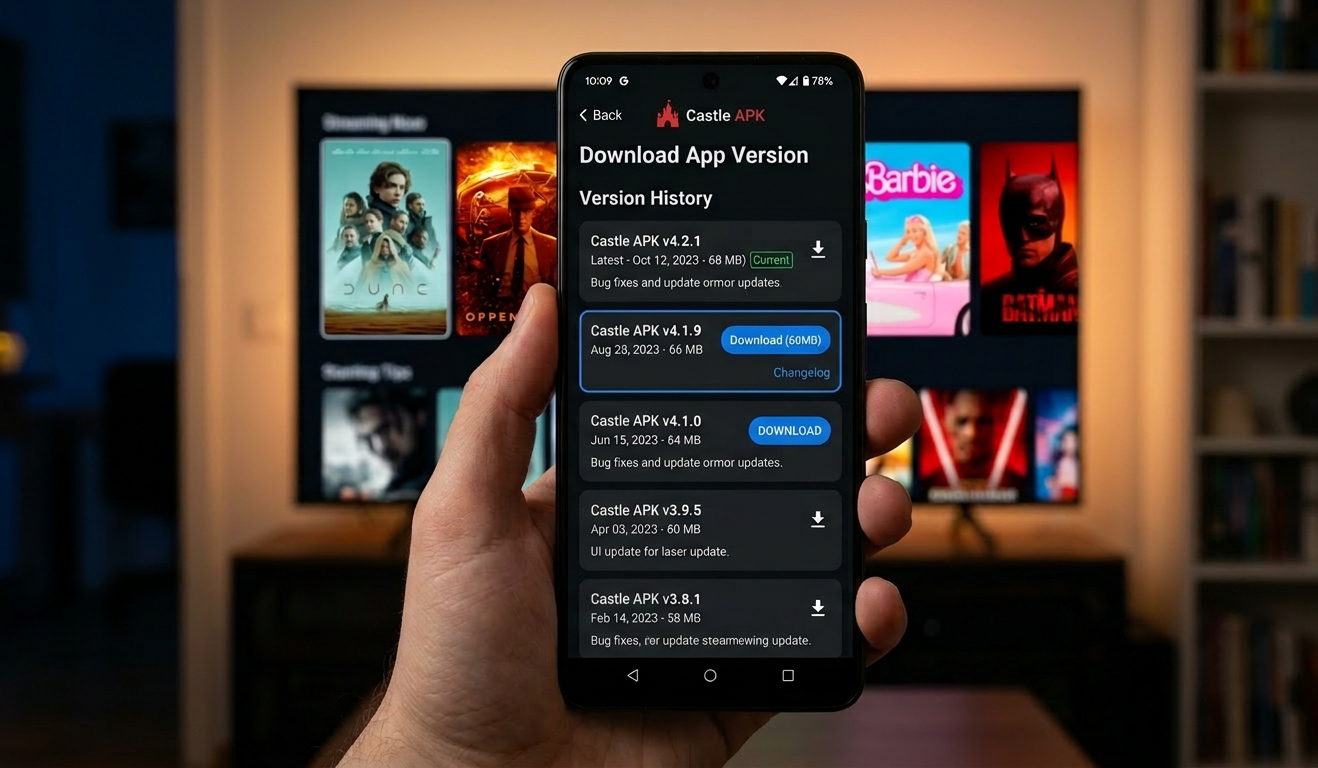
Castle APK old versions are the right choice when the latest release does not work on your specific device, introduced bugs that were not present before, or raised the minimum Android requirement above what your phone supports. Understanding which version works best for your situation — and how to install it safely — saves you time and prevents installing fake or modified files that look like old versions but contain hidden risks.
This guide covers every Castle APK version released in 2026 with exact file sizes, Android compatibility requirements, and what changed between versions. It also includes a complete rollback guide for users who installed the latest version and need to go back, plus fake version detection to protect you from modified APKs claiming to be old releases.
Complete Castle APK Version History — 2026
| Version | File Size | Android Req | Release | Status |
|---|---|---|---|---|
| Castle APK 2.1.2 | 64.3 MB | Android 6.0+ | 2026 | Latest — Current |
| Castle APK 2.1.1 | 57.3 MB | Android 5.0+ | 2026 | Stable — Recommended for Android 5 |
| Castle APK 2.1.0 | 54 MB | Android 5.0+ | 2026 | Older — Minor known bugs |
| Castle APK 2.0.9 | 52 MB | Android 5.0+ | 2026 | Legacy — Works on very old devices |
Important fake version warning: Any file claiming to be Castle APK version 2.6.7, 3.0, 4.5, 5.0, “Ultra,” or any number not in the table above does not exist as an official release. These are fake or modified versions. Always verify the version number and file size before installing.
Which Version Should You Install?
Install Castle APK 2.1.2 (64.3 MB) if:
- Your device runs Android 6.0 or higher
- You have at least 2GB RAM
- You want the latest features: adaptive quality, subtitle improvements, signature verification, auto dark mode
- You experience Error 4003 — the expanded server infrastructure in 2.1.2 reduces this
Install Castle APK 2.1.1 (57.3 MB) if:
- Your device runs Android 5.0 or 5.1 — 2.1.2 requires Android 6.0 minimum
- 2.1.2 is causing crashes or errors on your specific device
- You prefer a smaller file size
- Your device has 1.5-2GB RAM — 2.1.1 performs better on this RAM range
Install Castle APK 2.1.0 (54 MB) if:
- 2.1.1 introduced a specific bug that affects your device
- You need a slightly smaller file than 2.1.1
- Compatibility with your specific Android device is better on this version
Install Castle APK 2.0.9 (52 MB) if:
- Your device has only 1GB RAM
- You are running Android 5.0 on a budget phone
- All newer versions crash or perform poorly on your device
- You want the lightest possible installation size
Why Users Download Castle APK Old Versions
New Version Not Compatible With Your Device
Each Castle APK update raises performance expectations slightly. Version 2.1.2 raised the minimum Android requirement from 5.0 to 6.0. If your device runs Android 5.x, 2.1.2 will not install. Version 2.1.1 remains the correct choice for Android 5 devices.
Beyond the official minimum requirement, some devices with exactly the minimum hardware — 1GB RAM, Android 5.0, older processors — experience significant performance issues on newer versions even if they technically install. In these cases, an older version provides a more practical experience.
Update Introduced a New Bug
Occasionally, a Castle APK update introduces a bug specific to certain device models or Android versions that was not present before. Common post-update issues include black screen on launch, specific content categories not loading, subtitle timing regression, or audio sync problems on certain devices.
When a specific update causes a problem that clearing cache does not fix, rolling back to the previous version is a practical solution while waiting for a patch release.
Preference for Previous Interface or Features
Some features present in older versions are occasionally changed or removed in newer releases. If you relied on a specific interface element or feature in version 2.1.0 that was altered in 2.1.1 or 2.1.2, the older version preserves that experience.
Lower Storage Requirement
Version 2.1.2 at 64.3 MB is 12 MB larger than version 2.0.9 at 52 MB. On devices with very limited internal storage — 8GB or 16GB total — this difference is meaningful, particularly when considering that the installed app takes more space than the APK file itself.
How to Install Castle APK Old Version — Step by Step
For Android Phones and Tablets
Step 1 — Verify the file before downloading
Before downloading any old version APK, confirm the expected file size for your chosen version using the table above. Files significantly smaller or larger than the expected size indicate a corrupted or modified version.
Step 2 — Enable Unknown Sources
Android blocks manual APK installations by default. This setting must be enabled once before installing.
For Android 7 and below:
- Open Settings → Security
- Enable Unknown Sources
- Confirm the warning dialog
For Android 8 and above:
- Open Settings → Apps → find your browser (Chrome or Firefox)
- Tap Install Unknown Apps
- Toggle Allow from this source to ON
Step 3 — Download the APK
Download the APK file directly — do not download through third-party download managers, as these sometimes substitute different files.
Step 4 — Verify file size after download
Open your File Manager → Downloads folder → long-press the downloaded APK file → tap Properties or File Info → confirm the size matches the expected size from the version table above.
Step 5 — Scan before installing
Upload the downloaded file to VirusTotal.com before installing. This free tool scans with 70+ antivirus engines and returns results in under 3 minutes. A clean official version shows 0-2 detections. Three or more detections indicate a suspicious file — do not install it.
Step 6 — Install the APK
- Open your File Manager → Downloads
- Tap the Castle APK file
- Tap Install on the installation screen
- Wait for installation to complete — typically 30 to 60 seconds
- Tap Open to launch
Step 7 — Disable auto-updates
If you intentionally installed an older version and want to stay on it, prevent the app from automatically updating:
- Some versions of Castle APK include an in-app update prompt — tap “Skip” or “Later” when it appears
- Do not install update files shared through messaging apps without verifying them against the version table
How to Roll Back — Downgrade From Latest to Old Version
If you recently updated Castle APK and the new version is causing problems, rolling back to a previous version requires uninstalling the current version first. You cannot install an older version over a newer one — Android blocks downgrades during direct installation.
Step 1 — Uninstall current version
Go to Settings → Apps → Castle APK → Uninstall → confirm.
Step 2 — Restart your device
Restart before installing the old version. This clears residual data from the previous installation.
Step 3 — Download your target version
Download the specific older version you want and confirm the file size matches the version table.
Step 4 — Install the older version
File Manager → Downloads → tap the old version APK → Install.
Step 5 — Clear cache after installing
Settings → Apps → Castle APK → Storage → Clear Cache. This prevents any residual data from the newer version from conflicting with the older installation.
Step 6 — Test before logging in
Open the app and test basic navigation before logging in to your account. Confirm the version number shown in Settings or About matches the version you intended to install.
For Firestick and Fire TV
Installing older versions on Firestick requires the Downloader app, as Firestick cannot access the standard Downloads folder directly.
Requirements:
- Downloader app (available on Amazon App Store — free)
- Unknown Sources enabled: Settings → My Fire TV → Developer Options → Apps from Unknown Sources → ON
Steps:
- Open the Downloader app on your Firestick
- Enter the download URL for your chosen Castle APK version from our Firestick installation guide
- After the download completes, the Downloader app will prompt you to install — tap Install
- Tap Done after installation, not Open — return to Downloader and delete the APK file to free up Firestick storage
- Find Castle APK in your Firestick app library and open it
Downgrading on Firestick: Firestick also blocks installing older versions over newer ones. Uninstall the current version first through Settings → Applications → Manage Installed Applications → Castle APK → Uninstall, then install the older version using the Downloader app.
Android Compatibility — Which Version for Which Device
| Device Type | RAM | Android | Recommended Version |
|---|---|---|---|
| Budget phone (2019 or older) | 1GB | 5.0-5.1 | 2.0.9 |
| Budget phone (2020-2022) | 2GB | 6.0-7.0 | 2.1.1 |
| Mid-range phone | 3-4GB | 8.0-10 | 2.1.1 or 2.1.2 |
| Modern phone | 4GB+ | 11+ | 2.1.2 (latest) |
| Firestick Lite | 1GB | Fire OS | 2.1.1 |
| Firestick 4K | 1.5GB | Fire OS | 2.1.2 |
| Smart TV | Varies | Android TV 7+ | 2.1.1 or 2.1.2 |
| PC (BlueStacks) | 4GB+ | N/A | 2.1.2 (latest) |
How to Identify Fake Old Versions
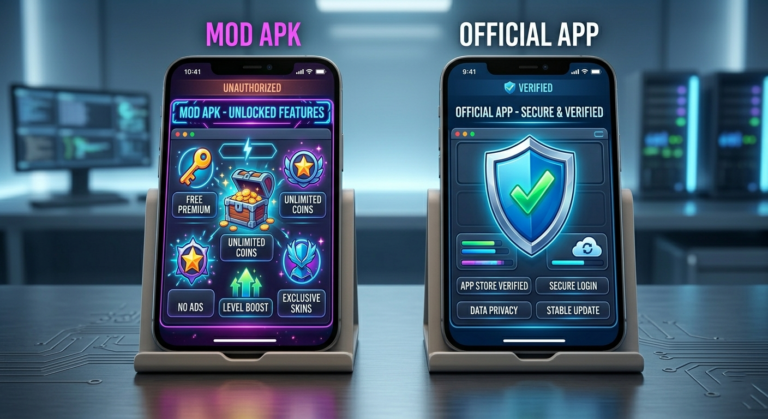
Fake Castle APK files claiming to be old versions are common online. They use the same version names (2.0.9, 2.1.0) but contain different or modified code.
Check these three things before installing any old version:
1. File size Use the version table at the top of this guide. If a file claiming to be version 2.0.9 is 12 MB instead of 52 MB, it is not genuine. Similarly, a file claiming to be 2.1.1 that is 80 MB has had code added during modification.
2. Version number inside the app After installing, go to the app’s Settings or About section — the version number shown should match what you downloaded. If you downloaded 2.0.9 but the app shows a different number or no version at all, the file was not what it claimed to be.
3. VirusTotal scan A genuine Castle APK old version scanned at VirusTotal shows 0-2 detections. Higher counts indicate suspicious content. Run the scan before installation, not after.
Version numbers that do not exist — never install these:
- Castle APK 2.6.7
- Castle APK 3.0
- Castle APK 4.5
- Castle APK “Ultra” any version
- Castle APK “Premium Unlocked” any version
These files are fake regardless of which website they come from. Read our Castle APK fake update warning guide for more details on identifying and avoiding modified versions.
Common Issues With Old Versions — and Fixes
Old Version Not Installing — “App Not Installed” Error
Causes: Unknown Sources not enabled, insufficient storage, or trying to install an older version over a newer one without uninstalling first.
Fix: Confirm Unknown Sources is enabled. Check available storage — you need at least 200MB free. If installing over a newer version, uninstall it first, restart your device, then install the old version.
Old Version Not Connecting to Servers
Old versions sometimes lose server compatibility as Castle APK’s backend updates. Version 2.0.9 in particular may experience more frequent connection issues than newer versions because server protocols have changed since its release.
Fix: If 2.0.9 consistently shows server errors, update to 2.1.1 which has better server compatibility while still supporting Android 5.0 devices.
Content Not Loading on Old Version
Fix: Clear cache first — Settings → Apps → Castle APK → Storage → Clear Cache. If content still does not load, switch to a different server inside the player. If neither works, the old version may no longer be compatible with the current server infrastructure — update to 2.1.1.
Old Version Running Slowly
Fix: Close all background apps before opening Castle APK. Free up storage — remove unnecessary files. If the device has less than 500MB of free storage, the app cannot properly buffer content. Consider lowering video quality to 480p on very low-end devices.
Should You Stay on an Old Version Permanently?
Old versions are practical short-term solutions — not permanent replacements for staying updated.
Risks of staying on old versions long-term:
- Server compatibility issues increase over time — older clients may eventually stop connecting
- Security vulnerabilities fixed in newer versions remain present
- New content added to Castle APK may not be accessible on older versions
- The earning and rewards features may not function fully on outdated versions
Recommendation: Use old versions to solve a specific compatibility or stability problem while waiting for a newer version that fixes the issue. Monitor our Castle APK version update guide to know when updates address problems specific to your device.
If the latest version (2.1.2) does not support your device because it runs Android 5.x, version 2.1.1 is the best long-term choice — it supports Android 5.0 and receives better server maintenance than 2.0.9.
👉 For better performance, check best settings for Castle APK without buffering.
FAQs
Which Castle APK old version is best for a low-end Android phone? For devices with 1GB RAM running Android 5.0, version 2.0.9 (52 MB) is the lightest option. For devices with 2GB RAM on Android 5.0 or 5.1, version 2.1.1 (57.3 MB) provides better server compatibility while still supporting Android 5. Check the compatibility table in this guide for your specific device type.
Can I install an old version without uninstalling the current one? Android does not allow installing an older version over a newer one — it blocks downgrades during installation. You must uninstall the current version first, restart your device, then install the older version you want.
Is Castle APK 2.0.9 still working in 2026? Version 2.0.9 still installs and runs on compatible devices in 2026. However, users may experience more server connection issues than with newer versions because Castle APK’s backend infrastructure has updated since 2.0.9 was released. For long-term reliability, version 2.1.1 is a better choice for devices that cannot support 2.1.2.
What is the file size of Castle APK 2.0.9? Castle APK 2.0.9 is approximately 52 MB. Files claiming to be version 2.0.9 with significantly different sizes are not genuine — verify size before installing and scan at VirusTotal.com.
How do I know if my downloaded old version is genuine? Verify the file size against the version table in this guide. Then upload the downloaded file to VirusTotal.com for a free scan using 70+ antivirus engines. Genuine versions show 0-2 detections. Higher counts indicate suspicious or modified files. After installation, check the version number in the app’s Settings or About section.
Castle APK 2.1.2 does not support my Android 5 device — what should I do? Install Castle APK 2.1.1 instead. Version 2.1.1 (57.3 MB) supports Android 5.0 and above and provides significantly better server compatibility than 2.0.9. The 2.1.2 update raised the minimum requirement to Android 6.0, making 2.1.1 the correct choice for Android 5.x devices.
Can I use two different versions of Castle APK at the same time? No. Only one version of Castle APK can be installed on a device at a time. Attempting to install a second version alongside the existing one results in an installation error. Uninstall the current version before installing a different one.
Final Verdict
Castle APK old versions solve specific problems — incompatible hardware, post-update bugs, or Android version limitations. Matching the right version to your device using the compatibility table in this guide prevents trial and error.
Always verify file size and scan with VirusTotal before installing any version, especially old ones — fake APKs claiming to be old versions are a common source of malware and spyware.
For the latest version information, read our Castle APK 2.1.2 update guide. For installation issues with any version, visit our Castle APK not working after update guide.
About the Author
Imran K — Android Streaming App Version Compatibility Specialist
Imran specializes in Castle APK version testing, compatibility analysis across Android versions and device generations, and safe installation guidance for old and new APK releases. He tests each version release on multiple devices ranging from budget Android 5 phones to current flagship models to provide accurate, device-specific version recommendations.
For more guides, visit castleapkguide.com