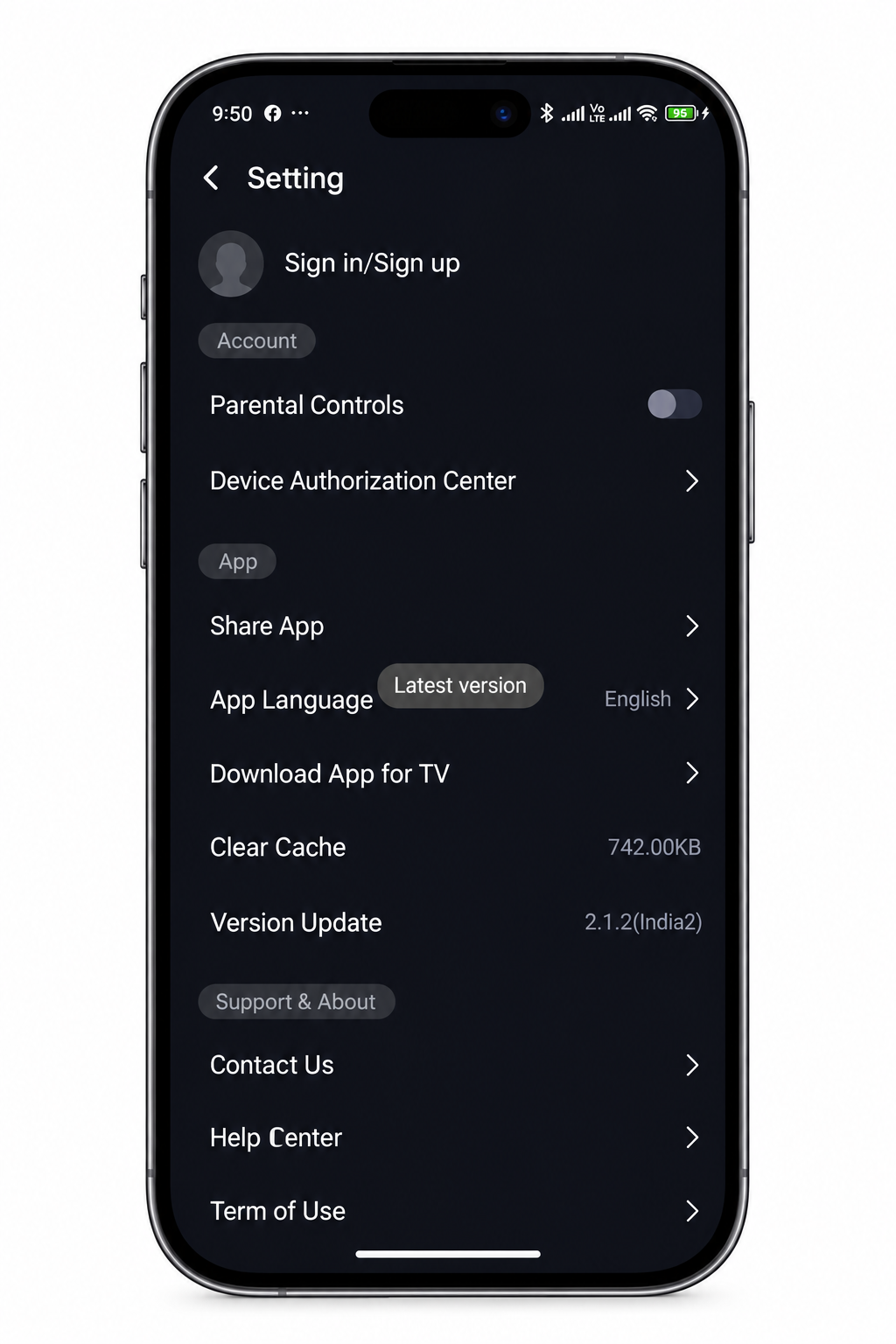
Castle APK 2.1.2 is now available, replacing version 2.1.1 as the current stable release. This update focuses on performance improvements, subtitle enhancements, and expanded server infrastructure rather than large visible feature additions — which means the changes users notice most are smoother playback, faster loading, and fewer errors on lower internet speeds.
This guide covers the complete changelog comparing 2.1.1 and 2.1.2, the new Android requirement, step-by-step update instructions for Android, Firestick, and PC, and what to do if you encounter problems after updating.
If you missed the previous update, read our Castle APK 2.1.0 to 2.1.1 update guide for context on the version history.
Quick Overview — Version 2.1.2
| Detail | Version 2.1.1 | Version 2.1.2 |
|---|---|---|
| File Size | 57.3 MB | 64.3 MB |
| Android Requirement | 5.0+ | 6.0+ |
| Release Year | 2026 | 2026 |
| Subtitle Accuracy | Improved | Further improved |
| Server Infrastructure | Updated | Expanded |
| Offline Download Size | Standard | Optimized (smaller) |
| Dark Mode | Manual | Auto-schedule at sunset |
| Resume Playback | Yes | Works for downloads too |
| Fake APK Detection | No | Internal signature verification added |
What Changed — 2.1.1 to 2.1.2 Full Changelog
File Size Increase — 57.3 MB to 64.3 MB
The most immediately noticeable change is the file size. Castle APK 2.1.2 is 64.3 MB compared to 57.3 MB in version 2.1.1. The additional 7 MB accounts for expanded server connection libraries, improved subtitle support files for additional languages, and the new internal signature verification system.
Before installing, confirm your download is exactly 64.3 MB — files significantly smaller or larger than this indicate a corrupted or modified version.
Android Requirement Raised to 6.0
Version 2.1.2 raises the minimum Android requirement from 5.0 to Android 6.0 (Marshmallow). This means devices running Android 5.x can no longer install 2.1.2 and should remain on version 2.1.1 or 2.0.9, both of which continue to work on Android 5.0.
If your device runs Android 6.0 or higher, you can update normally. To check your Android version: Settings → About Phone → Android Version.
Faster Loading and Startup Speed
One of the most reported improvements in 2.1.2 is noticeably faster app startup and content loading. Movies begin playing faster after tapping, the home screen loads more quickly on relaunch, and category browsing responds faster than in 2.1.1. This improvement comes from optimized server response handling and local caching improvements in the new build.
Improved Subtitle Accuracy and Language Support
Subtitle timing synchronization — a frequently reported issue in 2.1.0 and partially addressed in 2.1.1 — receives further improvement in 2.1.2. The update includes better timing accuracy for embedded subtitle tracks and expanded support for additional subtitle languages including improved Urdu, Arabic, and Korean subtitle rendering.
For users who rely on subtitles for foreign language content, 2.1.2 is a meaningful improvement. The subtitle sync issues that required manual delay adjustment in 2.1.1 are largely resolved in this release.
Expanded Server Infrastructure
Castle APK 2.1.2 includes backend server expansion that allows better load distribution during peak usage periods. In practical terms this means fewer Error 4003 occurrences during evening hours and during major live sports events when simultaneous user count is highest.
The expanded infrastructure also improves server switching response — when S1 is overloaded, switching to S2 or S3 inside the player is faster in 2.1.2 than in previous versions.
Better Streaming on Weak Connections
Version 2.1.2 introduces adaptive quality fallback — instead of freezing or showing a buffering spinner on weak connections, the app now automatically lowers video quality to maintain continuous playback. A brief quality drop is visible for a moment when connection speed drops, but playback continues rather than stopping entirely.
This is particularly useful for mobile data users on 3G connections or areas with unstable Wi-Fi.
Optimized Offline Download File Sizes
Downloaded content in 2.1.2 uses improved compression that reduces file sizes without a meaningful quality difference at 720p. If you regularly download movies or episodes for offline viewing, the same storage space now holds more content compared to downloads made in 2.1.1.
Automatic Dark Mode Scheduling
Version 2.1.2 adds an automatic dark mode scheduler that switches the interface to dark mode at sunset without requiring manual adjustment. The feature works based on your device’s location and local sunset time. Manual dark mode toggle remains available in settings for users who prefer a fixed setting.
Resume Playback for Downloaded Content
The resume playback feature — which remembers where you stopped in a stream — has been extended in 2.1.2 to also work for downloaded offline content. In version 2.1.1, resuming worked for active streams but not downloaded files. Version 2.1.2 picks up exactly where you stopped in a downloaded movie or episode, even after closing the app completely.
Internal Signature Verification — Fake APK Detection
Version 2.1.2 adds an internal signature verification system that checks whether the installed APK matches the official build. If you installed from an unverified source or if the file was modified, the app now shows a warning notification on first launch rather than running silently.
This is a meaningful security addition that helps users identify fake or modified installations. If you see this warning after installing 2.1.2, uninstall the current version and install a fresh copy.
How to Update Castle APK from 2.1.1 to 2.1.2
Method 1 — Install Over Existing Version (Recommended)
This method preserves your account, watchlist, and preferences. You do not need to log in again after the update.
Steps for Android:
- Download Castle APK 2.1.2 — confirm file size is 64.3 MB
- Before installing, scan the downloaded file at VirusTotal.com — 0-2 detections is normal
- Open your File Manager → Downloads folder
- Tap the Castle APK 2.1.2 file
- Android will show “Do you want to install an update?” — tap Install
- Wait for installation to complete — usually 30 to 60 seconds
- Tap Open to launch the updated app
- After launch, go to Settings → Apps → Castle APK → Storage → Clear Cache
- Restart the app — this prevents 2.1.1 cache from conflicting with 2.1.2
Steps for Firestick:
- Download Castle APK 2.1.2 using the Downloader app — enter the download URL from our Firestick installation guide
- After download completes, tap Install — Firestick installs it over the existing version
- After installation, go to Settings → Applications → Manage Installed Applications → Castle APK → Clear Cache
- Restart your Firestick before launching the updated app
Method 2 — Fresh Install (If Method 1 Fails)
Use this method if the update installation fails, the app crashes after updating, or the signature verification warning appears.
- Uninstall current version: Settings → Apps → Castle APK → Uninstall
- Restart your device
- Download fresh: Castle APK 2.1.2
- Verify: Confirm file size is 64.3 MB
- Enable Unknown Sources if needed: Settings → Security → Unknown Sources → ON
- Install: File Manager → Downloads → tap file → Install
- Open and log in with your account credentials
Should You Update from 2.1.1 to 2.1.2?
Update if:
- Your device runs Android 6.0 or higher
- You use subtitles regularly — the accuracy improvement is noticeable
- You experience Error 4003 during peak hours — server expansion helps
- You download content for offline viewing — smaller file sizes free up storage
- You stream on mobile data — adaptive quality fallback prevents freezing
Stay on 2.1.1 if:
- Your device runs Android 5.x — 2.1.2 requires Android 6.0 minimum
- Your current 2.1.1 installation works perfectly and you have no issues
- You have limited storage — the update is 7 MB larger than 2.1.1
Stay on 2.0.9 if:
- Your device has less than 2GB RAM and 2.1.1 already runs slowly
- You use Android 5.0 which is no longer supported from 2.1.2
For devices that cannot support 2.1.2, visit our Castle APK old versions guide for stable alternatives.
Common Problems After Updating to 2.1.2
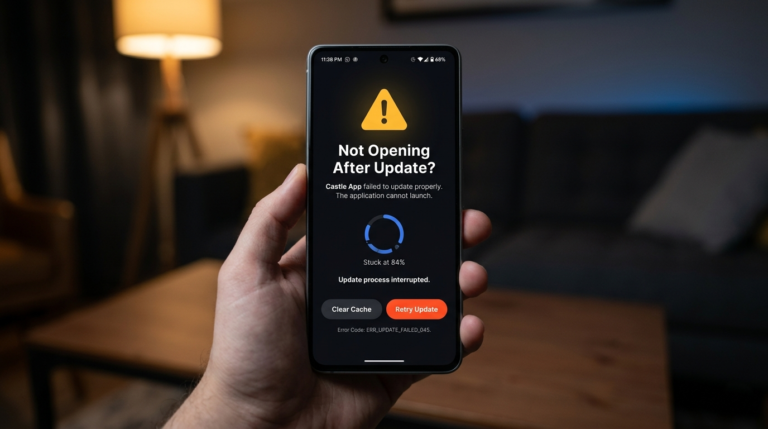
App Crashes Immediately After Update
Cause: Cache conflict between 2.1.1 session data and 2.1.2’s updated structure.
Fix: Settings → Apps → Castle APK → Storage → Clear Cache → Clear Data → restart device → reopen app.
Signature Verification Warning on Launch
Cause: The installed file does not match the official 2.1.2 build — either a modified version or an incomplete download.
Fix: Uninstall completely → download fresh 2.1.2 → verify 64.3 MB size → reinstall.
“App Not Installed” Error During Update
Cause: Insufficient storage space or corrupted download.
Fix: Free at least 200 MB of storage space → delete the previous download → download fresh → retry installation.
Subtitles Not Working After Update
Cause: Cached subtitle preferences from 2.1.1 may conflict with 2.1.2’s updated subtitle system.
Fix: Clear app cache → go to player settings → re-enable subtitles and re-select preferred language → test with a new stream.
Dark Mode Not Auto-Switching
Cause: Location permission needed for sunset time calculation.
Fix: Settings → Apps → Castle APK → Permissions → Location → Allow. Then go to app Settings → Display → Auto Dark Mode → Enable.
For detailed troubleshooting, read our Castle APK not working after update guide.
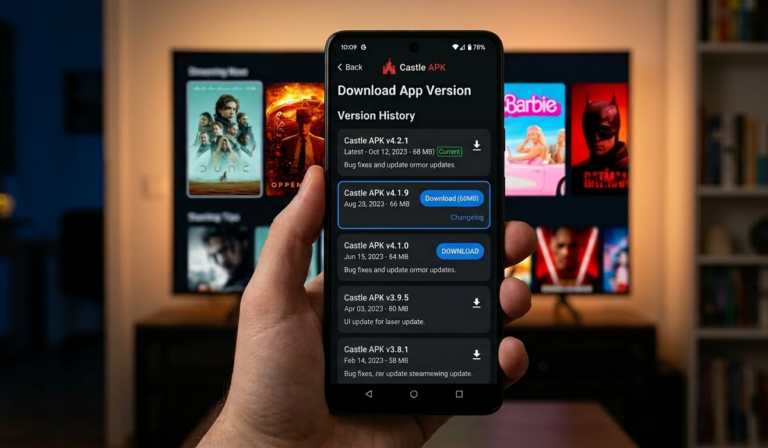
Version History — Castle APK 2026
| Version | Key Changes | Android Req | File Size |
|---|---|---|---|
| 2.0.9 | Base stable version | 5.0+ | ~52 MB |
| 2.1.0 | Server improvements, UI updates | 5.0+ | ~54 MB |
| 2.1.1 | Subtitle support, stability fixes, Samsung black screen fix | 5.0+ | 57.3 MB |
| 2.1.2 | Adaptive quality, signature verification, auto dark mode, download resume, server expansion | 6.0+ | 64.3 MB |
Frequently Asked Questions
What is the file size of Castle APK 2.1.2? Castle APK 2.1.2 is 64.3 MB — larger than version 2.1.1 which was 57.3 MB. The size increase accounts for expanded server libraries, additional subtitle language support, and the new signature verification system. Files significantly different from 64.3 MB may be incomplete or modified versions.
Does Castle APK 2.1.2 work on Android 5? No. Version 2.1.2 raises the minimum requirement to Android 6.0. Devices running Android 5.x should remain on version 2.1.1 or 2.0.9, both of which continue working on Android 5.0 without issues. Check our old versions guide for compatible builds.
Will updating from 2.1.1 to 2.1.2 delete my account or watchlist? No. Installing 2.1.2 over 2.1.1 preserves your account, watchlist, and preferences. Your account data is stored on Castle APK servers, not locally. After updating, you may need to clear cache and log in again, but your account remains intact.
What is the signature verification warning in 2.1.2? Castle APK 2.1.2 added internal signature verification that checks whether your installed build matches the official release. If the warning appears, it means your APK file does not match the official 2.1.2 build — likely a modified version. Uninstall and reinstall from a verified source to resolve it.
Is Castle APK 2.1.2 safe to install? Yes, when downloaded from a verified source and confirmed at 64.3 MB. Scan the downloaded file at VirusTotal.com before installing. The 2.1.2 update specifically added fake APK detection, so the app itself now warns you if the installed version is not genuine. Read our Castle APK safety guide for full verification steps.
Why is 2.1.2 not working after I updated from 2.1.1? Post-update issues are almost always caused by cache conflicts. Go to Settings → Apps → Castle APK → Storage → Clear Cache → Clear Data → restart your device → reopen. If the problem continues, uninstall completely and do a fresh install of 2.1.2 from our verified guide.
What is adaptive quality fallback in 2.1.2? Adaptive quality fallback is a new 2.1.2 feature that automatically lowers video quality when your internet connection drops rather than freezing or buffering. If you are on a 3G connection or weak Wi-Fi, the app drops from 1080p to 720p or 480p temporarily to keep playback continuous. Quality restores automatically when your connection improves.
Final Thoughts
Castle APK 2.1.2 is a meaningful update for most users — faster loading, better subtitle accuracy, adaptive quality for weak connections, and the new fake APK detection system make it worth updating from 2.1.1. The main consideration is the raised Android requirement: if your device runs Android 5.x, stay on 2.1.1.
After updating, always clear the app cache to prevent 2.1.1 session data from conflicting with the new version. And verify your downloaded file is exactly 64.3 MB — the signature verification system in 2.1.2 will warn you at launch if something is wrong with the installation.
About the Author
Pi B — APK Version Tracking and Update Analysis Researcher
Himanshu monitors Castle APK version releases, analyzes changelogs across versions, tests update procedures on multiple Android devices and Firestick generations, and documents practical differences between releases to help users decide when and how to update safely.
For more guides, visit castleapkguide.com