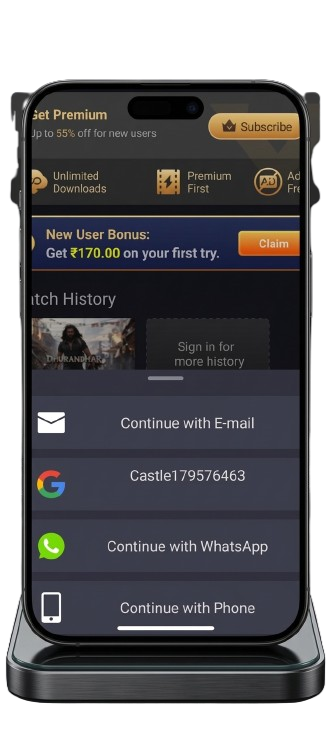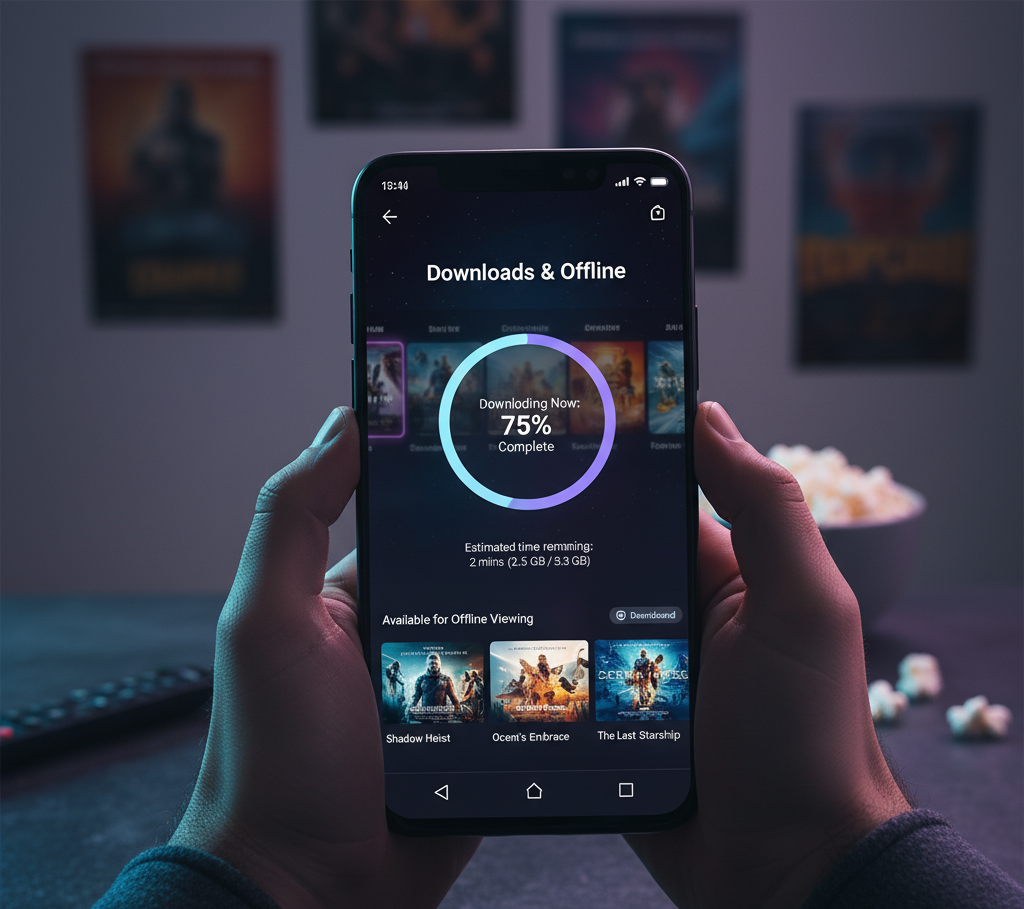
Streaming apps have made it incredibly easy to watch movies and TV shows anytime. However, there are situations where users may not have a stable internet connection. This is where the offline download feature becomes extremely useful.
Many users don’t realize that it is possible to download movies from Castle APK for offline watching. By saving content directly to your device, you can enjoy your favorite movies and TV shows even without internet access.
Want to watch movies on your device without internet? Castle APK lets you download movies and TV shows for offline watching, so you can enjoy your favorite content anytime, anywhere.
In this guide, we’ll show you how to use the offline download feature, step by step, and share tips for smooth offline streaming.
👉 How to Download the latest Castle APK here to get started
Why Use Castle APK for Offline Movie Download?
The offline download feature is perfect for:
- Travelers who don’t have a stable internet connection
- Users with limited mobile data
- People facing slow WiFi or network interruptions
Instead of streaming every time, movies are saved directly to your device for smooth playback without buffering.
How to Download Movies from Castle APK
Downloading movies from Castle APK is simple and takes only a few steps. Follow the instructions below carefully.
Step 1: Install the Latest Version of Castle APK
First, make sure you have the latest version of Castle APK installed on your device. Updated versions usually provide better download stability and improved features.
If your version is outdated, update the app before proceeding.
Step 2: Open the Castle APK App
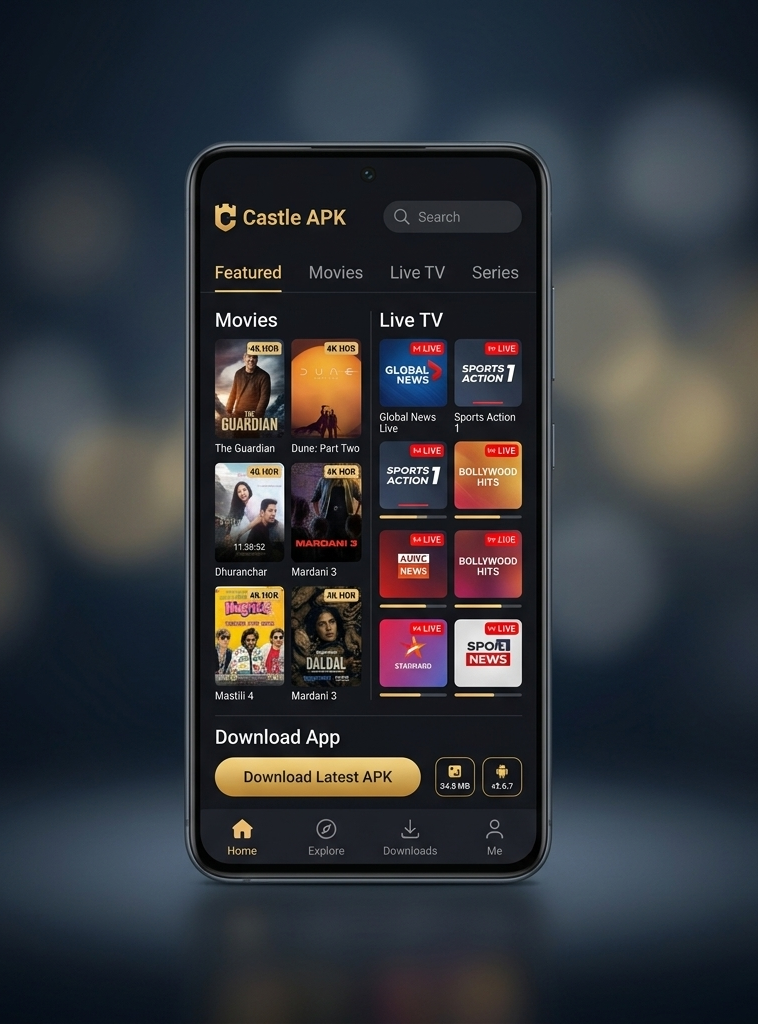
After installing the app, open it on your Android device. The home screen will display different sections such as:
- Trending movies
- Latest releases
- Popular TV shows
- Live TV channels
Use the search bar to find the movie or TV show you want to download.
Step 3: Select the Movie or TV Show
Tap on the movie or episode you want to watch. This will open the content details page where you can see:
- Movie description
- Available streaming links
- Video quality options
Some versions of the app also show a download option on this page.
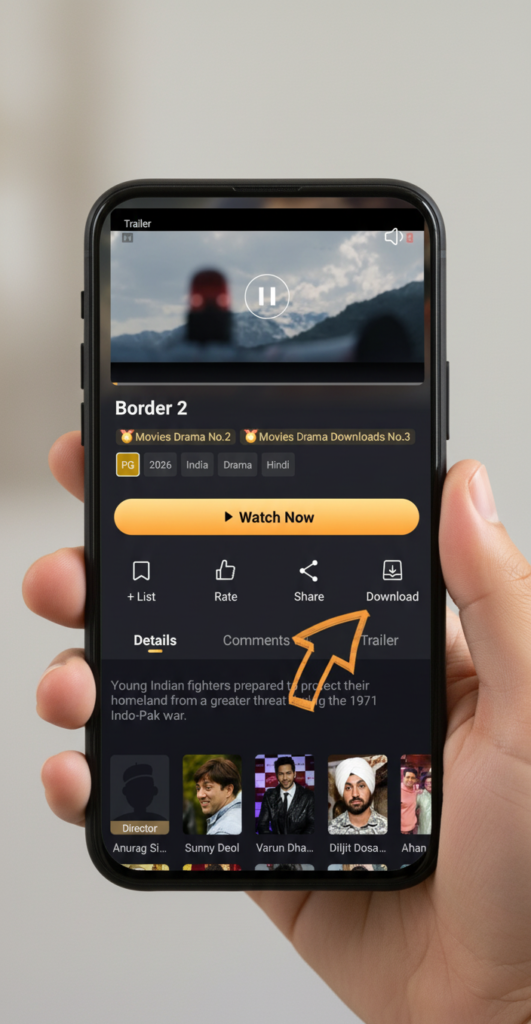
Step 4: Choose the Download Option
Look for the Download button below the video player or streaming links.
Once you tap the download button, the app may ask you to select the video quality.
Common options include:
- 480p (smaller file size)
- 720p HD
- 1080p Full HD
Choose the quality depending on your storage space and internet speed.
Step 5: Wait for the Download to Complete
After selecting the video quality, the download will begin. The progress bar will show how much of the movie has been downloaded.
Once the download is complete, the movie will appear in the downloads or offline section inside the app.
You can now watch the movie anytime without internet access.
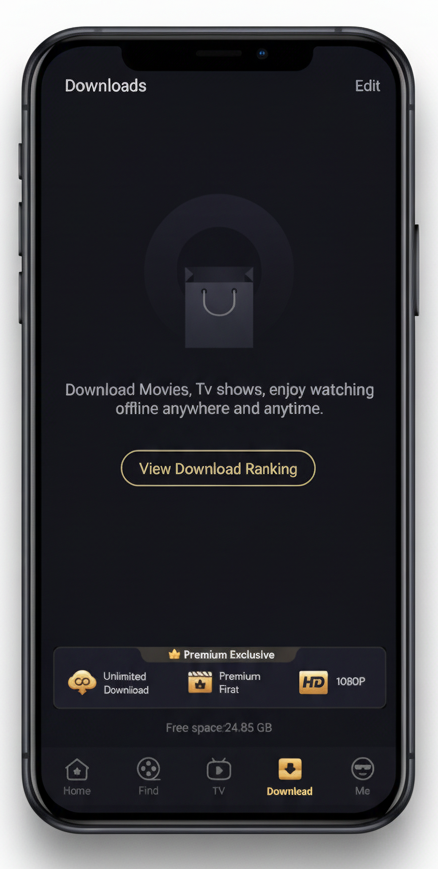
Benefits of Download Movies from Castle APK
Downloading content offers several advantages compared to streaming.
1. Watch Movies Without Internet
The biggest benefit is the ability to watch movies offline. This is very useful during travel or in areas with poor network coverage.
2. No Buffering Problems
Streaming sometimes causes buffering when the internet speed is slow. Offline videos play smoothly without interruptions.
3. Save Mobile Data
When you download a movie once, you don’t need to stream it repeatedly. This helps reduce mobile data usage.
4. Convenient Viewing Experience
Users can pause, rewind, or rewatch movies anytime without worrying about internet connectivity.
Tips for Better Offline Download movies from Castle APK
To ensure smooth downloads, follow these tips:
- Always use the latest Castle APK version
- Download movies while connected to WiFi
- Choose video quality according to your storage space
- Make sure your device has enough storage before downloading
These simple steps can improve your overall offline viewing experience.
Note : Android apps are distributed using APK files, which are explained in detail in Android’s official developer documentation.
https://developer.android.com/studio
Is Castle APK Safe for Offline Downloads?
Yes! Castle APK is safe if:
- Downloaded from a trusted source
- You avoid modified or fake APK files
- You keep your device protected with antivirus
Using the official version reduces risks and ensures smooth offline functionality.
FAQs About Castle APK Offline Download
1️⃣ Can I download HD movies on Castle APK?
Yes! Castle APK allows offline downloads in 480p, 720p HD, and 1080p Full HD depending on your device storage.
2️⃣ Is offline download free?
Absolutely. Castle APK offers free offline movie downloads without subscription.
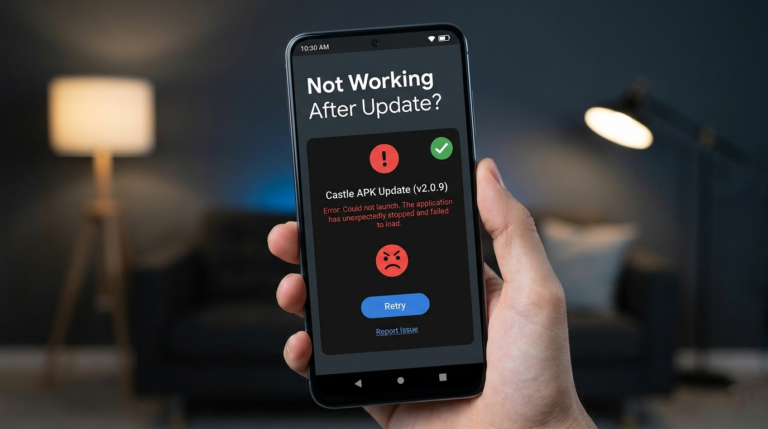
3️⃣ How do I fix failed downloads?
- Check internet connection
- Clear app cache
- Update Castle APK to the latest version
- Retry downloading
4️⃣ Can I watch downloaded movies without internet?
Yes, offline content is saved locally and can be played anytime, anywhere.
5️⃣ Which devices support offline downloads?
Most Android smartphones and tablets running the latest Castle APK version support this feature.