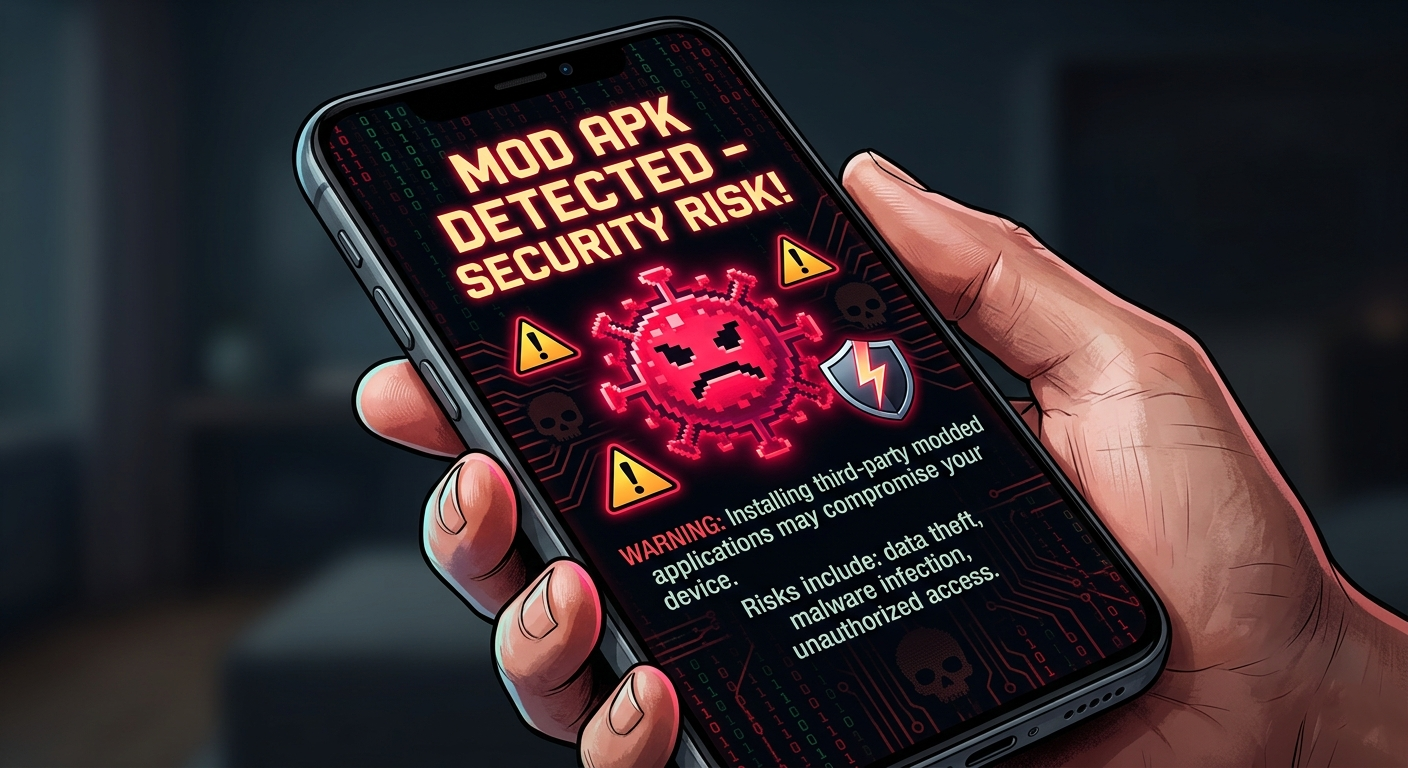
If you’ve been looking into Castle APK mod versions, you’ve probably run into two very different kinds of posts online: ones that tell you it’s completely fine, and ones that make it sound like your phone will explode the moment you tap install. Neither extreme is particularly useful. The real answer sits somewhere in the middle, and it depends a lot on where you download the file from and what you do with it afterward.
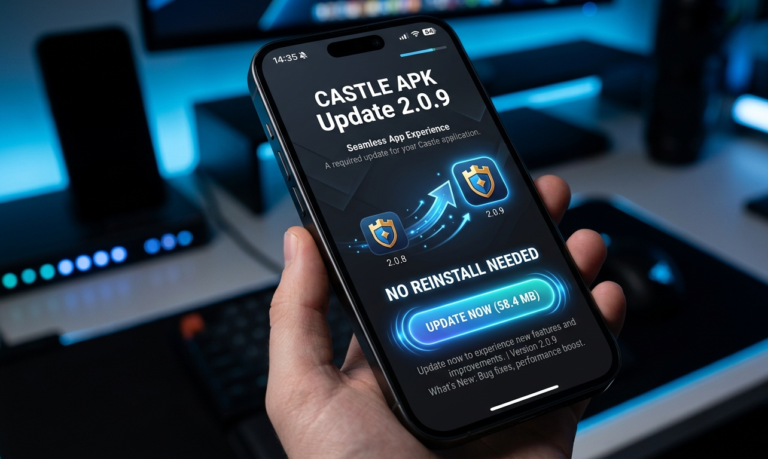
This guide walks through what a mod APK actually is, why the virus concern exists in the first place, and what you can realistically do to protect yourself if you decide to try one — including a look at where Castle APK mod version 2.0.9 fits into all this.
What Exactly Is a Castle APK Mod Version?
A “mod” is simply a copy of the original app that someone outside the official development team has taken apart and altered. The goal is usually to unlock something that would normally cost money or require extra steps — premium features, an ad-free experience, or settings that are hidden in the standard release.
The catch is right there in that description: it’s built by a third party, not by Castle’s own developers. That single fact is the root of almost every safety concern people have about mod APKs, not just for this app but for modded software in general.
If you haven’t already, it’s worth reading our complete guide to Castle APK features first, so you know exactly what the official version already offers before deciding whether a mod is even necessary.
So Is It Actually Safe?
Short version: not in the way the official version is safe.
When an app goes through an official app store, it passes through a review process, code signing checks, and (at least on paper) some level of security vetting. A mod version skips all of that by definition. Someone has opened up the original code, changed parts of it, and repackaged it — and there’s no guarantee they only changed the parts they claimed to.
That doesn’t mean every mod file is loaded with malware. Plenty of them genuinely just do what they advertise. But because there’s no verification layer standing between the modder and your device, you’re essentially trusting a stranger’s word for it. Some mods are fine. Others quietly ship something extra along with the features you wanted. Without inspecting the code yourself, there’s no reliable way to tell which one you’ve got just by looking at it.
Where the Virus Risk Actually Comes From
The concern isn’t theoretical — it’s a well-documented pattern with modded APKs across many apps, not just this one. Because the security checks built into official releases get stripped out during modding, a few things can slip in:
Malware can end up bundled with the modded code, sometimes causing performance issues or, in worse cases, actual damage to how your device functions. Spyware is a more common issue and tends to be harder to notice, since its whole purpose is to sit quietly in the background collecting activity data. Adware is more of a nuisance than a danger, but it can flood your device with unwanted popups once installed. And trojans are probably the sneakiest of the bunch — they disguise themselves as a normal part of the app and only reveal what they’re actually doing once they’re already running.
The uncomfortable part is that none of this requires you to do anything unusual. You install the file, everything looks normal, and whatever’s hidden inside runs silently without any obvious warning sign.
We cover this in more depth in our guide on how to verify any APK file before installing it, which walks through the same checks step by step.
Mod Version vs. Official Version: A Quick Comparison
| Mod Version | Original Version | |
|---|---|---|
| Source | Third-party, unofficial | Official developer/store |
| Security review | None | Reviewed before release |
| Virus risk | Moderate to high | Very low |
| Updates | Manual, often delayed | Automatic |
| Data handling | Uncertain | Generally more secure |
The pattern here is pretty consistent across almost every app category, not just Castle APK: official builds trade some flexibility for a much safer baseline.
Warning Signs Something Might Be Wrong
If you’ve already installed a mod version, keep an eye out for a few tells. The app asking for permissions that have nothing to do with what it actually does is one of the biggest red flags — a game, for instance, rarely needs access to your contacts or call logs. A sudden flood of ads appearing outside the app itself, your phone heating up or slowing down for no clear reason, background data usage you can’t explain, or your antivirus software flagging the file are all worth taking seriously rather than dismissing.
None of these alone is proof of a problem, but if you notice more than one at the same time, it’s a reasonable moment to stop and reconsider.
If You’re Going to Try It Anyway, Do This
Plenty of people read all of the above and still want to try the mod version — that’s a personal call, and it’s not automatically reckless as long as you take some basic precautions.
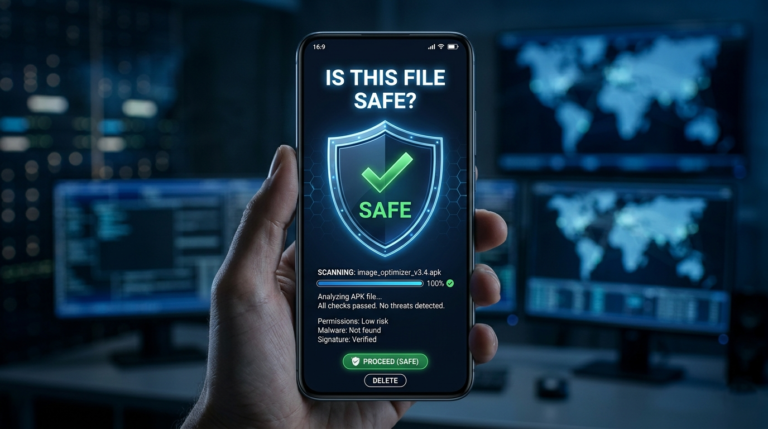
Stick to sources that have a track record and a real community around them rather than the first random link you find. Run the APK file through a scanner before installing it; there are free tools that check files against known malware signatures. Pay attention to what permissions the app asks for during setup, and decline anything that doesn’t make sense for the app’s purpose. Avoid logging in with sensitive accounts or entering payment details inside a modded app. And keep a decent antivirus app active on your device as a general safety net, not just for this one install.
One habit worth building: after installing, spend a few minutes actually watching how the app behaves. If something feels off — odd permission prompts, unexpected background activity, battery draining faster than usual — uninstalling immediately costs you nothing and can save you a real headache later.
For a broader look at safe installation practices beyond just this app, our Castle APK installation and setup guide covers the full process from download to first launch. And if you want a second opinion from outside our own site, APK Mirror’s safety guidelines are a solid general reference for spotting risky files.
Frequently Asked Questions
Is the Castle APK mod version legal to use? It varies by region and depends on local software laws, but generally speaking, mod APKs fall outside the terms of service of the original app and exist in a legal gray area rather than being clearly sanctioned.
Can a mod APK actually contain a virus? Yes. Because the file has been altered outside any official review process, there’s no built-in guarantee against malicious code being added alongside the intended modifications.
How do I check if a specific APK file is safe before installing? Running the file through a reputable antivirus scanner is the most practical step available to an average user, combined with only downloading from sites that have an established reputation.
Should I just use the original version instead? If avoiding risk matters more to you than the extra features, yes — the official version will always be the safer choice simply because it goes through actual security oversight that mod versions skip entirely.
Final Thoughts
The appeal of a mod APK is obvious — who wouldn’t want extra features for free? But the tradeoff is real: you’re installing software that hasn’t been checked by anyone with an incentive to protect you, from a source you likely can’t fully verify.
That doesn’t mean it’s guaranteed to go wrong. It means the responsibility for staying safe shifts almost entirely onto you. If you do decide to install a Castle APK mod version, treat the precautions above as non-negotiable rather than optional, and stay alert to how the app behaves once it’s on your device.
When in doubt, the official version remains the lower-risk path. If you’d rather skip the mod entirely, to see what you’d actually be missing.