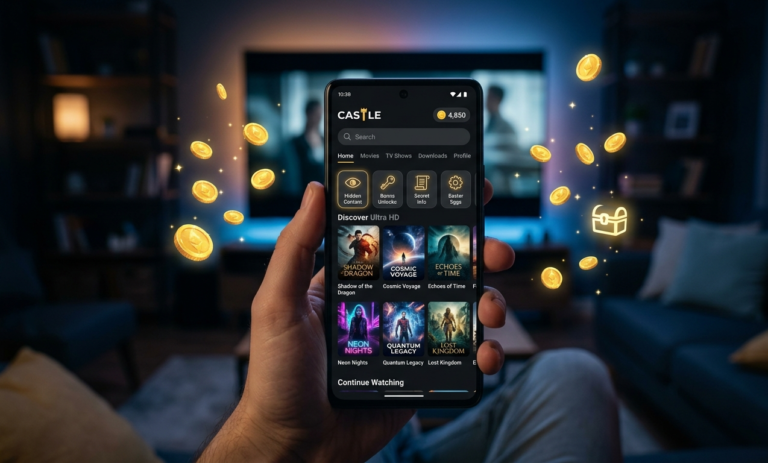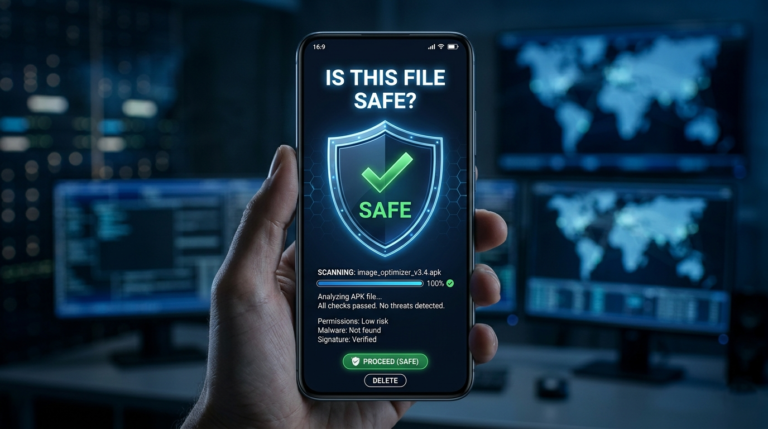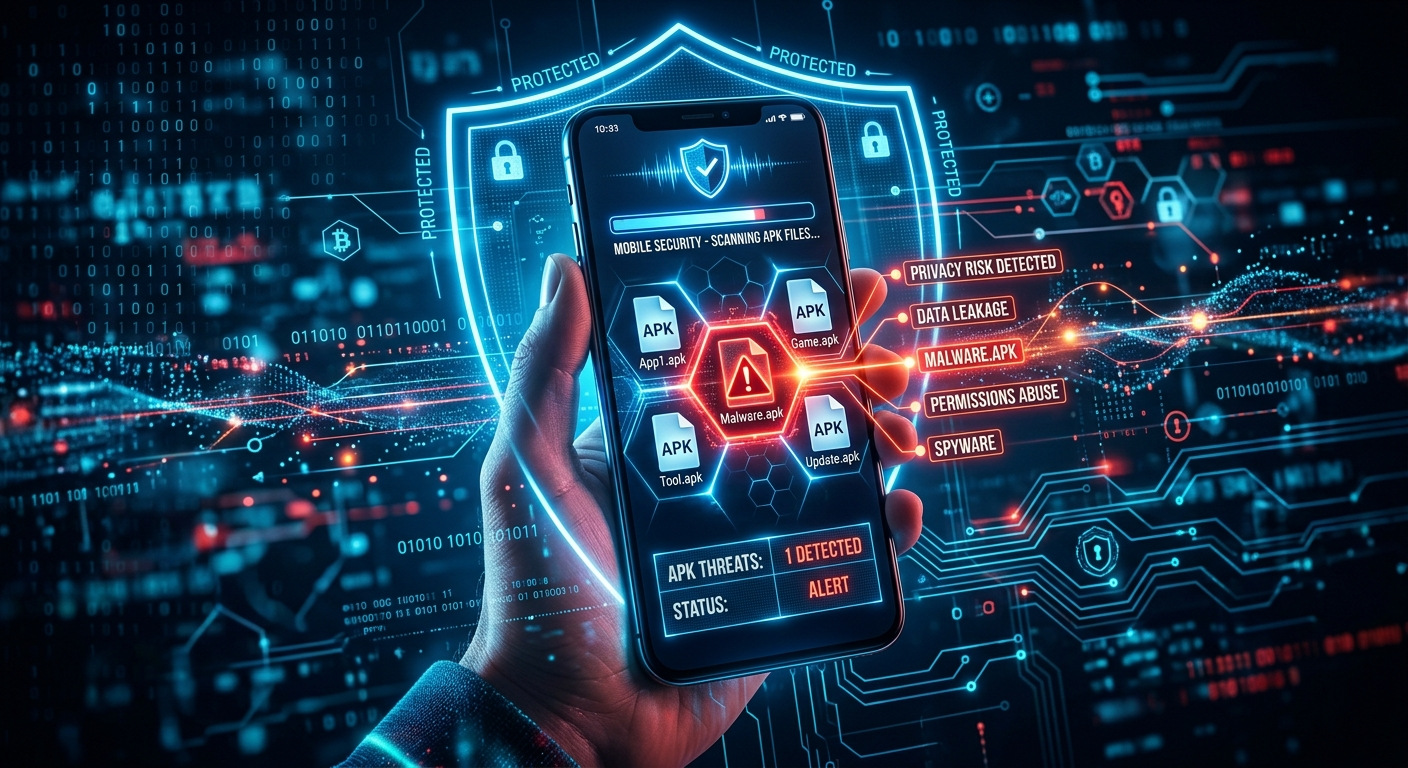
Castle APK is a popular free streaming application for Android, but because it is distributed outside the Google Play Store, it operates in a fundamentally different security environment than apps you download through official channels. Understanding these differences helps you make an informed decision about installation and take the right precautions if you choose to use it.
This guide covers 6 specific privacy risks associated with Castle APK, clearly distinguishes which risks apply to the official version versus modified versions, and provides 7 actionable steps to protect your data and device. The goal is accurate information — not an alarmist warning that ignores context, and not a dismissal of real concerns.
For related safety information, read our how to check if Castle APK file is safe guide and the Castle APK fake update warning guide.
Quick Overview: Castle APK Privacy Risks
| Risk Category | Applies to Official Version | Applies to Mod Versions |
|---|---|---|
| Third-party source risk | Partial — depends on download site | Yes — always |
| Permission misuse | Low — minimal permissions | High — often excessive |
| Data collection | Possible — varies by version | High — often present |
| Fake APK injection | No — if from verified source | Yes — by definition |
| Background processes | Low in official version | Common in mods |
| Server interception | Possible on all streaming apps | Higher risk in mods |
Context — Why Castle APK Privacy Is Different From Play Store Apps
Every app distributed through the Google Play Store goes through a review process that includes automated security scanning and human review. This does not make Play Store apps perfect — malicious apps do occasionally pass review — but it creates a baseline verification layer.
Castle APK bypasses this layer entirely because it is distributed as a standalone APK file through third-party websites. This is not inherently dangerous — many completely legitimate apps are distributed this way — but it means the security burden shifts from Google’s review process to your own judgment about where you download the file from and whether you trust the source.
The privacy risks below exist on a spectrum. Some apply to Castle APK downloaded from any source. Others apply specifically to modified versions or downloads from untrusted sites. This distinction is important because treating all versions as equally risky leads to either unnecessary fear or inadequate caution.
Castle APK Privacy Risks You Should Know
Risk 1 — Download Source Determines Everything
The single most important privacy factor for Castle APK is where you download it from. The same app can be safe or dangerous depending entirely on its source.
Why the source matters so much:
When you download an APK from a website, you are trusting that the file on that server matches the original developer’s release. A trustworthy source maintains the file’s integrity — the APK you download is exactly what the developer compiled. An untrustworthy source may host a modified version, a completely different file with the same name, or a version that has been tampered with between the developer’s release and your download.
Signs of a trustworthy Castle APK source:
- The site focuses specifically on Castle APK guides and information rather than distributing hundreds of unrelated APKs
- Clear About Us, Contact, Privacy Policy, and Disclaimer pages exist
- The file size matches the expected size for the version (Castle APK 2.1.1 is approximately 57.3 MB)
- No aggressive pop-ups, redirect chains, or multiple fake “Download Now” buttons
Signs of an untrustworthy source:
- The domain was registered recently (check at whois.domaintools.com)
- Multiple competing download buttons lead to different files
- The site claims to offer “Castle APK Premium Mod” or “Castle APK Unlimited” versions
- Downloading requires completing surveys, enabling notifications, or installing additional software
Risk 2 — Permission Misuse in Modified Versions
Permissions define what parts of your device an app can access. The official Castle APK 2.1.1 requests a minimal and appropriate set of permissions. Modified versions frequently request additional permissions that serve no streaming function.
Permissions the official Castle APK legitimately uses:
| Permission | Why It Is Needed |
|---|---|
| Internet / Network | Stream and download content |
| Storage / Media Files | Save downloaded videos for offline viewing |
| Wi-Fi State | Detect connection type to adjust streaming quality |
| Wake Lock | Prevent screen from sleeping during playback |
Permissions that indicate a modified or fake version:
| Permission | Why It Is Suspicious |
|---|---|
| Read Contacts | No streaming function requires contact access |
| Send or Read SMS | Completely unrelated to video streaming |
| Record Audio / Microphone | Castle APK has no voice or recording feature |
| Access Fine Location | Precise GPS location is not needed for streaming |
| Read Call Logs | No legitimate streaming use case |
| Camera | Castle APK does not use the camera |
How to check permissions before installing:
- Tap the Castle APK file in your File Manager to begin installation
- Before tapping Install, look for the permissions summary screen or tap App Info
- Review each permission listed
- If you see any permission from the suspicious list above, do not install — this indicates a modified version
After installation, verify permissions are correct:
Go to Settings → Apps → Castle APK → Permissions. If permissions that were not requested during installation are now active, the app may have requested them through a secondary download after installation — uninstall immediately.
Risk 3 — Data Collection and Tracking
Streaming apps by their nature collect some usage data — which content you watch, how long you watch, what quality you select. This data helps developers improve the app. The privacy question is not whether any data is collected, but what is collected, how it is stored, and whether it is shared with third parties.
What the official Castle APK likely collects:
- Content viewing history (used for recommendations)
- App usage patterns (used for improvement)
- Device information such as Android version and screen resolution (used for compatibility)
- Network information such as connection type (used for quality adjustment)
What problematic modified versions may collect:
- Account credentials if entered after a keylogger was injected
- Clipboard content — text you copy on your device
- Device identifiers that can be used for cross-app tracking
- Location data if location permission was granted
- Contact information if contacts permission was granted
The data collection distinction between versions is significant. The official Castle APK’s data collection is consistent with standard streaming app practices. Modified versions operate with unknown intent — the person who modified the APK decided what additional data to collect and there is no way to verify this from the outside.
Practical protection: Do not enter banking passwords, personal ID numbers, or email account credentials while using any Castle APK version. Use a dedicated account for Castle APK rather than your primary email address.
Risk 4 — Fake and Modified APK Files
Fake Castle APK files — versions that use the app’s name and icon but contain different or additional code — are a significant privacy threat because they are specifically designed to deceive users who think they are installing the real app.
How fake Castle APK files work:
A person creates or modifies an APK file and gives it the same name, icon, and visual appearance as the legitimate Castle APK. From the user’s perspective, the app looks and may partially function like the real thing. In the background, the injected code runs alongside the visible app performing its actual function — data collection, ad display, cryptocurrency mining, or other activities.
Common indicators of fake Castle APK files:
- Version numbers that do not correspond to real releases — versions like 2.6.7, 3.0, 4.5, 5.0, or “Ultra” do not exist in the official release history (documented versions: 2.0.9, 2.1.0, 2.1.1)
- File size significantly different from expected — Castle APK 2.1.1 is approximately 57.3 MB; files that are 12 MB, 25 MB, or 85 MB are not the genuine article
- Claims of “premium unlocked” or “unlimited coins” — the official app does not have a locked premium tier
- Excessive permissions requested on first launch
How to verify your downloaded file is genuine:
Upload the downloaded APK to VirusTotal.com before installing. VirusTotal scans the file using over 70 antivirus engines simultaneously and returns results within 2-3 minutes. A clean official version typically shows 0-2 detections. Higher detection counts indicate a suspicious or modified file.
Risk 5 — Background Processes and Resource Usage
Some modified Castle APK versions include background processes that continue running after you close the app. These processes are not visible to the user but consume resources and may transmit data.
Indicators that background processes are running:
- Unusual battery drain compared to before installing Castle APK
- Higher-than-expected mobile data usage when the app appears to be closed
- Device running warmer than usual during idle periods
- RAM usage remaining high after closing the app from recent apps
Why official version is less affected:
Official Castle APK 2.1.1 includes optimization improvements specifically targeting background resource usage. The app is designed to release resources when closed. Modified versions may add persistent background services that do not follow this behavior.
How to check for background processes:
- Go to Settings → Battery on your Android device
- Check Battery Usage by app — if Castle APK shows disproportionate battery usage compared to your actual use, background processes are likely running
- Go to Settings → Apps → Castle APK → Data Usage — check if background data usage is high compared to foreground usage
If background processes are detected:
Go to Settings → Apps → Castle APK → tap the three-dot menu → Restrict Background Data. This limits background network access for the app. If unusual behavior continues, uninstall and install a fresh copy of the official version.
Risk 6 — External Server Dependencies
Castle APK connects to external servers to stream content. This server dependency creates a privacy consideration that applies to all streaming apps, not just Castle APK specifically.
What server dependency means for privacy:
Your streaming requests travel between your device and Castle APK’s servers. On a standard connection without encryption, the specific content you access could theoretically be observed by your internet service provider. This is not unique to Castle APK — the same applies to any streaming service that does not use end-to-end encryption for all traffic.
The modified version server risk:
Modified Castle APK versions may connect to different servers than the official version. These additional or replacement server connections may not be secure and could be operated by the modifier rather than the original developer. Data transmitted to these unknown servers has no privacy protection.
Practical mitigation:
Using a trusted VPN while streaming on Castle APK encrypts your traffic between your device and the VPN server, preventing your ISP from observing your streaming activity. This is optional but recommended if privacy from ISP monitoring is a concern. Read our Castle APK login issues guide for VPN setup instructions specific to Castle APK.
7 Steps to Protect Your Privacy When Using Castle APK
Step 1 — Download from a verified source only and verify the file size is approximately 57.3 MB before installing.
Step 2 — Scan the APK before installing Upload to VirusTotal.com. Do not install if the scan shows 3 or more detections from different antivirus engines.
Step 3 — Review permissions before and after installation Check permissions during the installation screen and verify them again through Settings → Apps → Castle APK → Permissions after installation. Deny any permission that is not in the legitimate list from Risk 2 above.
Step 4 — Use a separate account for Castle APK Create a dedicated email address specifically for Castle APK registration. Do not use your primary email, banking email, or work email. This limits exposure if account credentials are ever compromised.
Step 5 — Monitor data and battery usage Check Settings → Apps → Castle APK → Data Usage and Battery Usage weekly. Unusual background consumption indicates unexpected processes running.
Step 6 — Install Malwarebytes for Android Malwarebytes (free version available) scans your device for malware and can detect suspicious APK behavior that VirusTotal’s pre-install scan might not catch after installation. Run a scan after installing any APK.
Step 7 — Avoid official version 2.1.1 and update promptly Each new official release includes security patches. Running an older version means running with known vulnerabilities that were fixed in later releases. Check our version update guide when new versions are announced.
Castle APK vs Play Store Apps — Privacy Comparison
| Factor | Official Castle APK 2.1.1 | Modified Castle APK | Play Store App |
|---|---|---|---|
| Security review | None — source verification only | None — unknown modifier | Google automated + human |
| Permission oversight | User-controlled | Unknown modifier’s choice | Google policy enforced |
| Malware risk | Low from trusted source | Medium to high | Very low |
| Data collection transparency | Limited | Unknown | Regulated by Play Store policy |
| Update security patches | Yes — regular releases | Depends on modifier | Automatic |
| Background process control | Standard Android controls | Potentially restricted | Standard + Play Store enforcement |
Frequently Asked Questions
Is Castle APK safe from a privacy perspective? The official Castle APK 2.1.1 downloaded from a verified source carries manageable privacy risks similar to other third-party streaming apps — primarily around data collection practices that are not fully transparent. Modified versions carry significantly higher privacy risks because code has been altered by an unknown person who could have added data collection components. The version and source you choose determines your risk level more than anything else.
Does Castle APK collect personal data? Like most streaming apps, the official version collects usage data — content viewed, session length, device information — to support app functionality and improvement. It does not request permissions to access contacts, messages, or location. Modified versions may collect significantly more data depending on what the modifier added.
How do I know if my Castle APK installation is tracking my data in the background? Monitor Settings → Apps → Castle APK → Data Usage. If background data usage is close to or higher than foreground usage, the app is transmitting data when you are not actively using it. Also check battery usage — disproportionate drain from a streaming app you are not currently using indicates background activity.
Is using a VPN enough to protect privacy with Castle APK? A VPN protects your traffic from ISP monitoring and encrypts data in transit. It does not protect against malware injected into a modified APK that collects data directly from your device before it leaves. VPN is one layer of protection, not a complete solution. Verifying the APK before installing (VirusTotal scan) and reviewing permissions address the risks a VPN cannot.
What should I do if I already installed a modified Castle APK? Uninstall it immediately through Settings → Apps → Castle APK → Uninstall. Then install Malwarebytes for Android and run a full device scan. Change passwords for any accounts you accessed on the device while the mod APK was installed, especially if you noticed unusual permission requests or behavior. Then install the official Castle APK 2.1.1 from a verified source.
Are there specific countries where Castle APK privacy risks are higher? Privacy risks from the app itself are consistent regardless of location. However, ISP-level traffic monitoring varies by country — in countries with stricter surveillance infrastructure, using a VPN provides more meaningful privacy protection for your streaming activity. The in-device risks from modified APKs apply equally everywhere.
Final Thoughts
Castle APK privacy risks exist on a spectrum defined primarily by which version you install and where you download it from. The official Castle APK 2.1.1 from a verified source carries manageable risks comparable to other third-party streaming applications. Modified versions introduce unknown risks that cannot be fully assessed from the outside.
The seven steps in this guide — verified download, VirusTotal scan, permission review, separate account, usage monitoring, Malwarebytes scan, and keeping the version updated — collectively address the most significant privacy concerns and allow you to use the app with awareness and appropriate precautions.
For more safety information, read our Castle APK safety verification guide and the mod APK vs official version comparison.
Check safety tips → APK Mirror Safety Tips
About the Author
Layla K — Mobile Privacy and Data Security Researcher
Layla focuses on Android application privacy analysis, data collection practices in third-party apps, permission auditing, and helping users understand the practical privacy implications of installing apps outside official distribution channels. She has analyzed permission patterns and data behaviors across dozens of third-party streaming applications to develop user-focused privacy guidance.
For more guides, visit castleapkguide.com